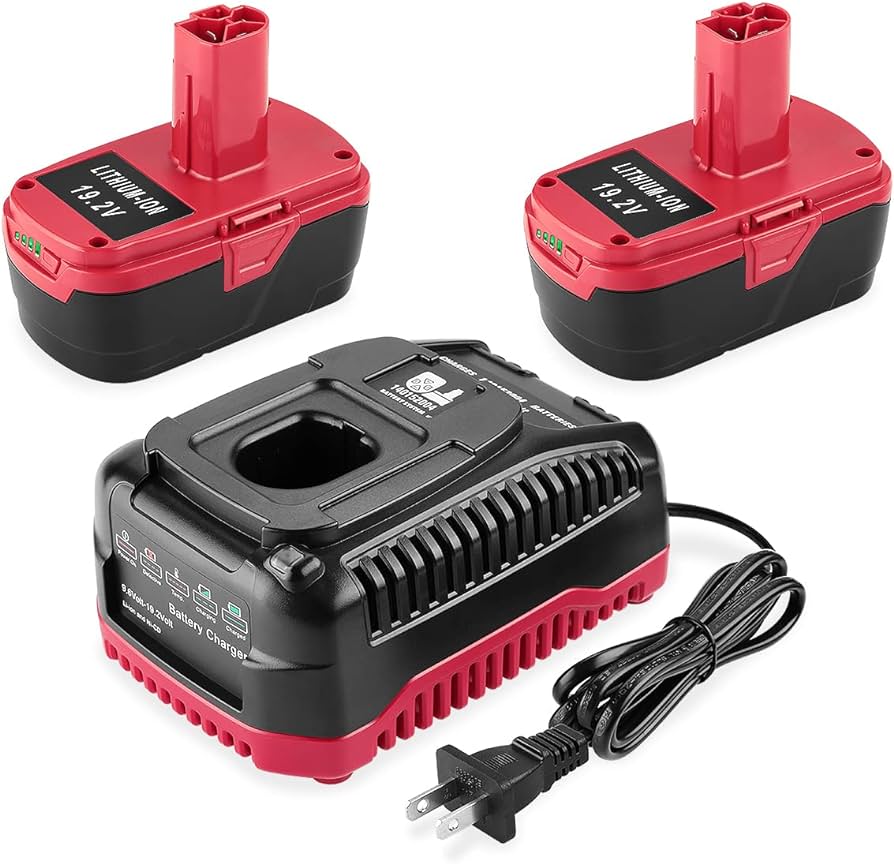
How to Charge a Craftsman 19.2V Battery Safely (C3 Guide)
The original Craftsman 19.2V C3 battery platform used NiCd and NiMH cells that behave very differently from the lithium-ion packs on tools sold today – charge them the wrong way and you either damage the pack or just waste your time waiting on a charger that was never going to finish. Here’s how to charge a Craftsman 19.2V battery correctly, how long it actually takes, and which old “battery memory” advice you can ignore.
Understanding the Craftsman 19.2V C3 Battery System
Craftsman’s C3 (“Compact, Cordless, Consistent”) line was a single 19.2V battery platform that spanned three different cell chemistries over its lifetime: early NiCd packs, later NiMH packs, and finally lithium-ion “XCP” packs – all built to drop into the same C3 tools. Craftsman discontinued the C3 platform after Stanley Black & Decker moved the brand to the current V20 system (18V nominal, marketed as 20V MAX), so no new OEM C3 batteries or chargers are being made. Third-party replacement batteries and chargers are still sold for the platform, which is the only way to keep an older C3 drill, driver, or saw running once its original pack dies.
Best C3 19.2V Replacement Kit
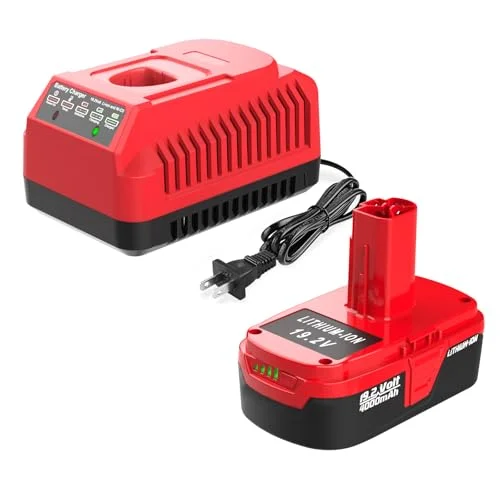 |
AYTXTG 4.0Ah C3 19.2V Battery + Charger Kit – $37.99 A drop-in lithium-ion replacement for a dead or worn-out Craftsman C3 19.2V NiCd/NiMH pack, with a matching charger included.
|
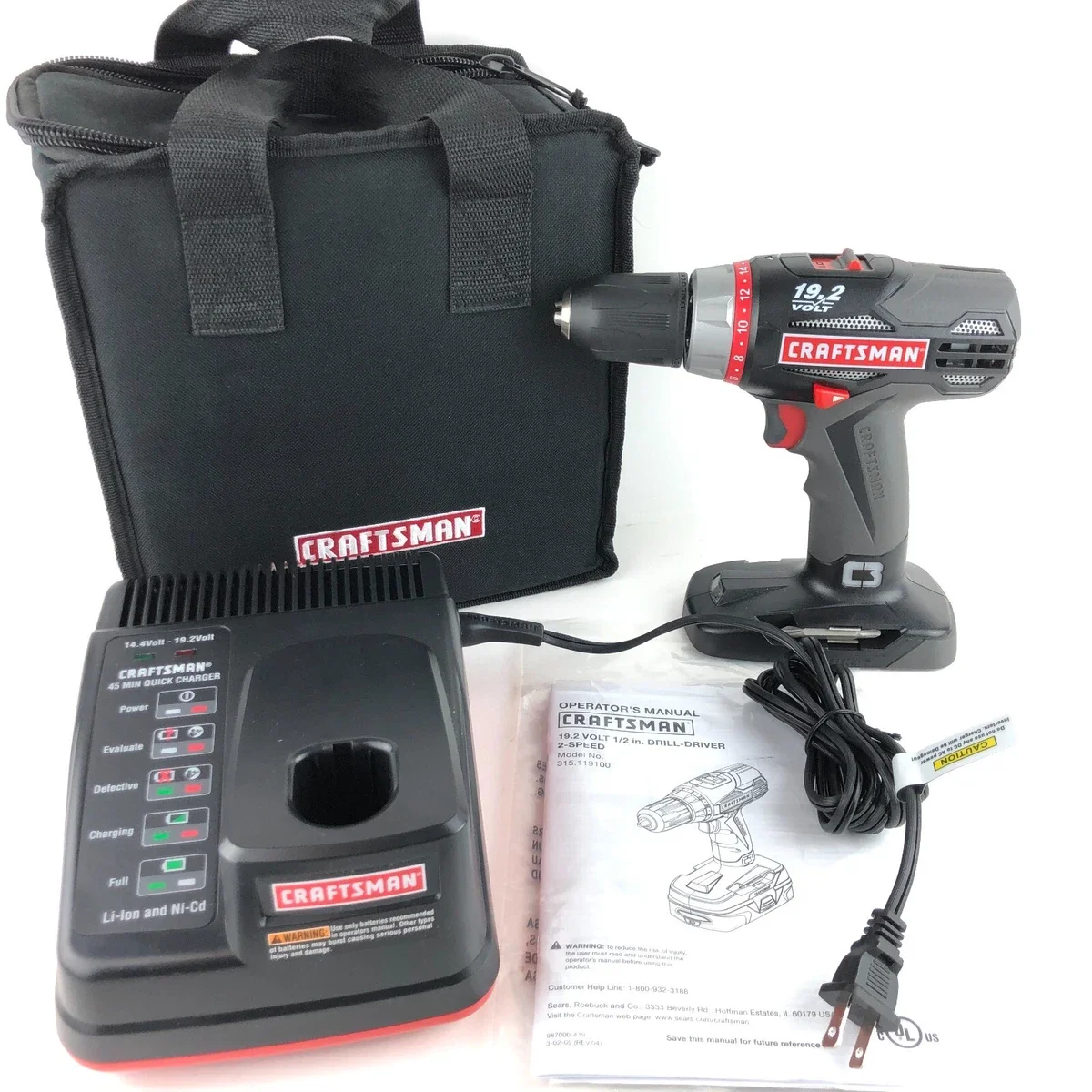
How to Charge a Craftsman 19.2V Battery, Step by Step
The process is the same regardless of chemistry, but the charger has to be rated for whichever chemistry your pack actually uses:
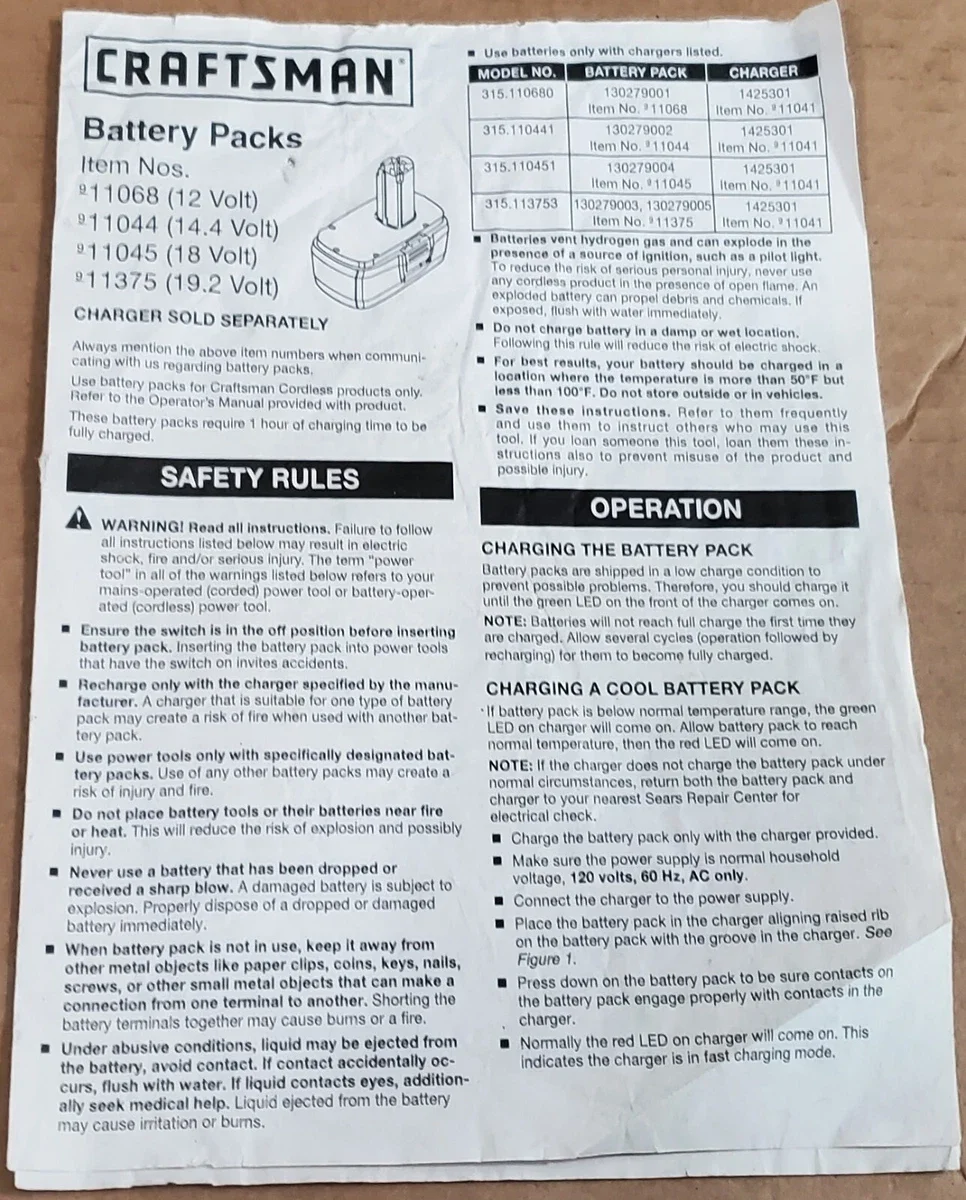
- Keep the battery and charger away from open flame or a pilot light before you start – NiCd and NiMH packs vent hydrogen gas while charging, and Craftsman’s own documentation warns this gas can ignite near a spark or flame source.
- Plug the charger into a standard 120V, 60Hz household outlet. Don’t charge in a damp location or outdoors.
- Seat the battery in the charger cradle, lining up the raised rib on the pack with the groove in the charger, and press down until the contacts fully engage.
- Watch the LED: on most C3 chargers, a solid light (commonly green) means the pack is charging or has reached a normal temperature range; a different color or blinking pattern usually signals fast-charge mode or a pack that’s too hot/cold to accept a charge yet.
- Once the indicator shows a full charge, remove the pack. On a non-automatic (“dumb”) charger, leaving a NiCd or NiMH pack connected indefinitely after it’s full can overheat the cells – only lithium-ion packs on a true smart charger are designed to sit on the charger long-term.
How Long Does It Actually Take to Charge?
Craftsman’s own C3 battery documentation lists roughly 1 hour to fully charge the original NiCd packs on their matched charger, with the note that a brand-new pack may need a few charge/discharge cycles before it reaches its full rated capacity. Most C3-compatible chargers put out 19.2V at around 2A, so a larger-capacity pack – including many third-party lithium-ion replacements in the 3.0-4.0Ah range – will simply take longer to fill than the smaller original NiCd packs did, because there’s more energy going into the cells at the same charge rate. If your specific charger or battery came with a printed spec sheet or manual, that number is more reliable than a generic estimate; treat “1-2 hours” as a reasonable range for the C3 platform rather than an exact figure for every pack.
The “Memory Effect” Myth for NiCd Batteries
A lot of advice about old Craftsman NiCd packs repeats “memory effect” as the reason they lose capacity, and it’s mostly wrong. True memory effect is a narrow phenomenon: it only occurs in sintered-plate NiCd cells that are charged and then discharged to the exact same partial point over and over, which causes crystal formations on the plates that shrink the usable surface area. Pocket-plate NiCd cells – which is what a lot of consumer power-tool packs actually use – and NiMH cells don’t exhibit true memory effect at all. In practice, the capacity loss people see in an old Craftsman C3 pack is almost always one of a few other causes: months of storage self-discharge, repeated short bursts of high-current draw (“short-cycling”) that stress the cells, or the pack simply reaching the end of its usable life after years of charge cycles. You don’t need to fully discharge a NiCd or NiMH C3 pack before every charge to “reset” it – that habit doesn’t fix the causes above and, on a worn pack, can make things worse.
Troubleshooting: Won’t Charge, Overheating, or Short Runtime
Battery gets hot or the charger won’t start: Let the pack cool to room temperature before trying again – Craftsman’s charger will hold off charging (or show a fault indicator) outside roughly 50-100°F. Never charge a battery straight after storing it in a hot car or garage in summer.
Charger LED won’t come on at all: Confirm the outlet works with another device, check the charger cord for damage, and make sure the battery is seated fully – the rib-and-groove alignment matters, a half-seated pack won’t make contact. If another known-good C3 battery also won’t charge on the same unit, the charger itself has likely failed and needs replacing, not the battery.
Runtime keeps dropping even after a full charge: This is normal wear on an aging NiCd or NiMH pack, not something you can charge your way out of. If the tool is otherwise still useful, a replacement C3 battery (lithium-ion versions avoid the self-discharge and short-cycling issues that shorten NiCd/NiMH life) is usually cheaper than replacing the whole tool.
Frequently Asked Questions
How do I charge a Craftsman 19.2V battery?
Set the battery aside from heat or flame, plug the charger into a standard 120V household outlet, and seat the battery in the charger so the raised rib on the pack lines up with the groove in the charger cradle. Press down until the contacts engage. The charger’s LED will light up to show it’s charging; don’t leave the pack on a non-automatic charger indefinitely once the light shows full.
How long does it take to fully charge a Craftsman 19.2V battery?
Craftsman’s own C3 battery-pack documentation lists about 1 hour to fully charge the original NiCd packs on their matched charger. A higher-capacity lithium-ion replacement pack (for example a 4.0Ah kit) will typically take longer on the same charger because there’s more energy to put back in – check the specific charger’s output rating (commonly 19.2V at 2A on C3-compatible chargers) and the battery’s Ah rating rather than assuming one universal time.
Can I use any charger to charge a Craftsman 19.2V battery?
No. Use a charger rated for the C3 19.2V platform and, if you’ve switched chemistries, one rated for your battery’s actual chemistry (NiCd, NiMH, or lithium-ion). Craftsman’s own manual warns to recharge only with a charger specified for that battery pack – an unmatched charger can undercharge, overheat, or damage the cells.
Does the Craftsman 19.2V NiCd battery suffer from memory effect?
Rarely, and it’s smaller than most people assume. True memory effect only shows up in sintered-plate NiCd cells that are repeatedly charged and then partially discharged to the same exact point – pocket-plate NiCd cells and NiMH cells don’t exhibit it at all. Most of the capacity loss people blame on “memory” in old Craftsman packs is actually from long storage self-discharge, hard short-cycling, or the cells simply aging out after years of use.
Conclusion
A Craftsman 19.2V C3 battery just needs the charger that matches its chemistry, a reasonable temperature range, and roughly an hour or two on the charger depending on pack size – no special “memory effect” ritual required. If your original NiCd or NiMH pack has reached the end of its life, a compatible lithium-ion replacement kit is the simplest way to keep an otherwise-good C3 tool in service, and if you’re ready to move off the C3 platform entirely, our Craftsman V20 battery guide covers what’s changed on the current system.
Sponsored / affiliate links. As an Amazon Associate I earn from qualifying purchases. I may earn additional commission from eligible campaigns.