How to Unlock a Kobalt Miter Saw
A Kobalt miter saw’s cutting head is freed by pushing down slightly on the switch handle and pulling out the stop latch knob — not by forcing the head up, which strains the pivot. Skipping this step, or confusing it with the separate slide-carriage lock knob, is why many owners think their saw is broken. This guide covers the transport lock, the slide-carriage lock, the bevel lock, and what to check when none of them will budge.
Insert your Affiliate Disclosure reusable block here
Quick Answer
Most Kobalt miter saws have three separate locks: the transport (stop latch) lock that holds the head down for storage, the slide-carriage lock knob on sliding models, and the bevel lock knob for angle cuts. To free the head for cutting, press down slightly on the switch handle and pull out the stop latch knob — that’s the transport lock, and it’s the one that trips up most first-time owners.
Which Lock Is Actually Holding Your Saw?
Best Slide-Rail Lubricant Pick
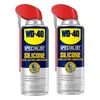
WD-40 Specialist Silicone Lubricant, Twin-Pack
A dry silicone spray that frees sticky slide rails without attracting sawdust the way grease does.
- Best for: freeing dried-grease slide rails on sliding compound miter saws
- Why we picked it: dry-film formula won’t gum up with sawdust like wet oil-based sprays do
- Main drawback: needs reapplication every few months in a dusty shop
Compare more slide-rail lubricant options
 Option 1 Bostik GlideCote Aerosol Lubricant
|
 Option 2 JENOLITE Silicone Spray Lubricant
|
 Option 3 Gear Hugger Plant-Based Lubricant Spray
|
As an Amazon Associate we earn from qualifying purchases.
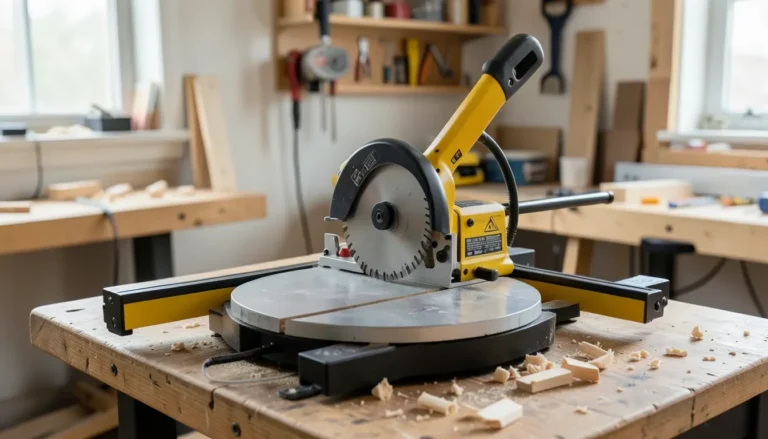
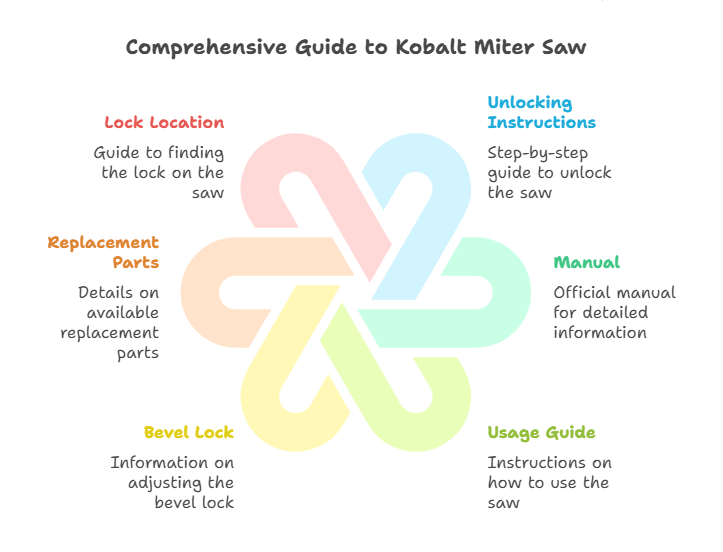
Kobalt miter saws ship with two or three locks depending on the model, and it’s common to release one and assume the saw is still stuck because a second lock is engaged. The transport lock (also called the stop latch) is a spring-loaded knob near the base of the switch handle that pins the cutting head down for carrying and storage — it’s on every Kobalt miter saw. The slide-carriage lock is a separate knob on the rear rails, found only on sliding compound models, and keeps the head from rolling forward during transport. The bevel lock is a lever or knob at the base of the saw that holds your tilt angle once you’ve set it.
If your saw still won’t move after releasing the stop latch, check the slide rails next — that’s the lock people miss most often on the 10-inch sliding models.
How to Unlock the Cutting Head (Transport Lock)
This is the lock that ships engaged from the factory and holds the blade head down against the table. Kobalt’s own owner’s manual describes it this way:
- Unplug the saw. Never adjust a lock with the saw powered on.
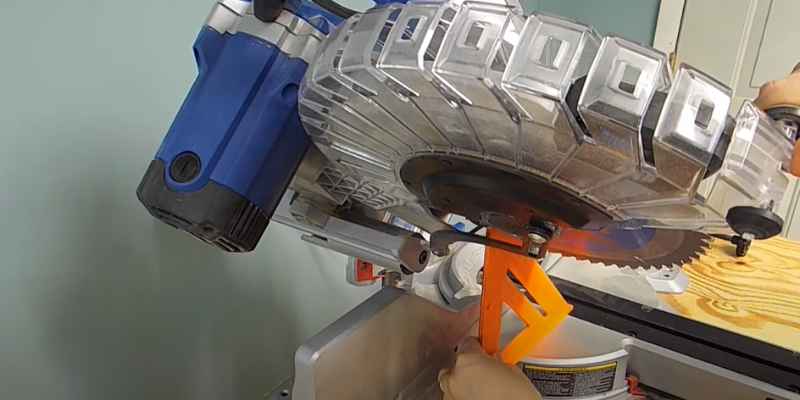
- Press down slightly on the switch handle. This takes tension off the stop latch knob so it can slide free — pulling on the knob alone without this step is why it feels jammed.
- Pull out the stop latch knob. It’s the small round knob near the base of the handle, usually labeled or color-marked on Kobalt models.
- Let the cutting head rise on its own. The spring inside the arm lifts it — you shouldn’t have to yank it upward.
To lock it back down for transport, lower the head to its lowest position and push the stop latch knob back into the locking hole. Kobalt’s manual is explicit that this latch is for transport only — never use it to hold the head down while cutting.
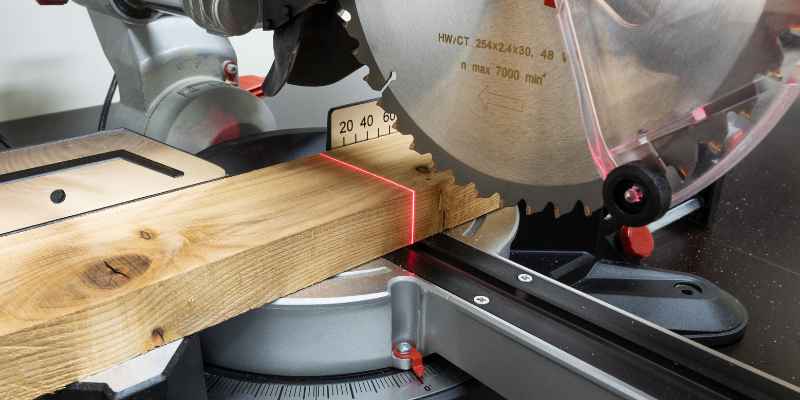
How to Unlock the Slide-Carriage Lock (Sliding Models)
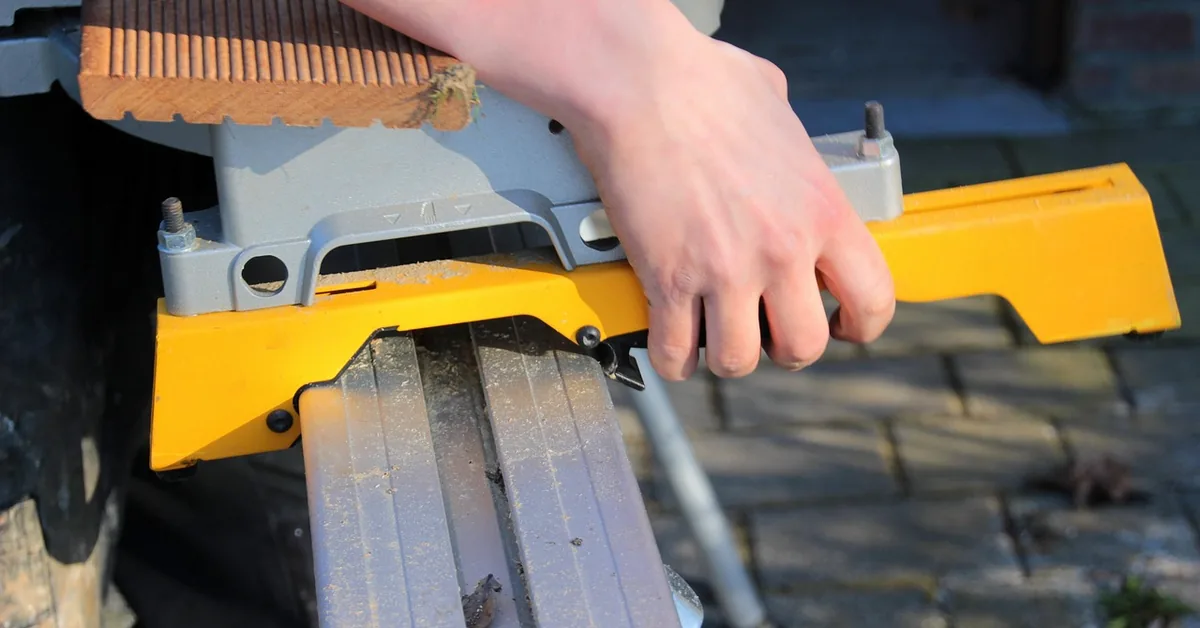
If you own one of Kobalt’s 10-inch sliding compound models, there’s a second lock you need to release before the saw carriage will roll. The slide-carriage lock knob sits on the right side of the rear rails and is separate from the stop latch — releasing the stop latch alone won’t free a sliding saw.
- Locate the slide-carriage lock knob on the right side of the slide carriage, toward the rear where the rails meet the base.
- Loosen the knob by turning it counterclockwise until it stops resisting.
- Slide the carriage back and forth by hand with the saw unplugged to confirm it moves freely along both rails.
Leave this knob locked whenever you carry the saw or store it — an unlocked carriage is the most common reason a Kobalt sliding miter saw gets damaged rails in transit.
How to Unlock the Bevel Lock
The bevel lock is unrelated to the transport lock and controls the tilt angle of the blade for angled cuts. On most Kobalt models it’s a lever or knurled knob at the base of the saw arm, behind the miter table.
- Find the bevel lock lever at the rear base of the saw arm.
- Loosen the lever to release the current bevel angle.
- Tilt the saw arm to your target angle using the bevel scale as reference.
- Re-tighten the lever before cutting — a loose bevel lock will let the blade drift mid-cut.
Bevel cuts rotate the blade in a different direction than a standard miter cut, so re-check your fence position after adjusting the bevel angle, not just the angle scale itself.
Kobalt Miter Saw Lock Locations by Model
Kobalt’s manuals use slightly different terms across model families, which is part of why searches for “how to unlock a Kobalt miter saw” turn up conflicting advice. Here’s how the three main lines actually label their locks:
| Model line | Transport lock name | Extra lock |
|---|---|---|
| 10″ corded sliding compound (SM1850LW and similar) | Stop latch knob, base of switch handle | Slide-carriage lock knob, rear rail |
| 7-1/4″ compact corded sliding (SM1817LW) | Stop latch knob, base of switch handle | Slide-carriage lock knob, rear rail (compact travel) |
| 24V cordless dual-bevel sliding (KMS 0724B-03) | Stop latch knob, base of switch handle | Slide-carriage lock knob + battery lock separate from blade locks |
If your exact model isn’t listed, the stop latch knob location is consistent across Kobalt’s line — near the base of the switch handle — but always confirm against page 14 of your specific owner’s manual before forcing anything.
Kobalt Miter Saw Won’t Unlock? Try This
If you’ve pressed the handle down, pulled the stop latch, and the head still won’t move, the lock itself usually isn’t broken — something is blocking it.
- Sawdust in the latch hole: Sawdust packs into the stop latch hole over time and stops the knob from pulling free. Clear it with a soft brush or compressed air before trying again.
- Dried grease on the slide rails: On sliding models, rails that haven’t moved in months can stick from dried factory grease. Wipe both rails with mineral spirits or brake cleaner, then apply a dry silicone or PTFE spray — avoid heavy grease, which just attracts more sawdust.
- Handle not pressed down enough: The stop latch is spring-tensioned against the handle. If you pull the knob without pressing the handle down first, it will resist even when nothing is jammed.
- Wrong lock released: On sliding models, releasing the stop latch frees the head to pivot but not the carriage to slide — check the slide-carriage knob separately.
If the head still won’t budge after checking all of the above, stop forcing it — a bent stop latch pin is a mechanical fault, not a lubrication problem, and it’s worth a call to Kobalt customer support before you damage the pivot arm.
Safety Rules for Locking and Unlocking Your Saw
- Always unplug the saw before working on any lock — never adjust a lock mechanism while the saw is powered.
- Never use the stop latch to hold the head down for cutting. It’s a transport lock only; using it as a depth stop while cutting can shear the pin.
- Always carry the saw by its designated hand holds, never by the switch handle, cutting arm, or miter table handle — carrying it by the arm stresses the same pivot the stop latch protects.
- Lock the head down and the carriage back before moving or storing the saw, every time, not just for long trips.
- Wear eye protection when clearing sawdust from the latch mechanism — compressed air throws debris.
In our own shop, the stop latch on a well-used Kobalt saw eventually needed a light shot of dry lubricant about once a season — a lot cheaper than a replacement latch pin, and it kept the head releasing smoothly instead of sticking on the first pull.
Where is the lock on a Kobalt miter saw?
The main transport lock — the stop latch knob — is near the base of the switch handle on top of the saw. Sliding models add a second slide-carriage lock knob on the right side of the rear rails.
How do you release a miter saw blade guard?
The blade guard on most Kobalt saws lifts automatically as you lower the cutting head to start a cut and doesn’t need a separate release. If it’s stuck, check for sawdust buildup around the guard’s pivot pin and clear it with a brush before cutting.
Why won’t my Kobalt miter saw unlock?
The most common cause is sawdust packed into the stop latch hole, followed by not pressing the switch handle down before pulling the knob. On sliding models, dried grease on the rails or an unreleased slide-carriage knob can also make the saw feel locked even after the stop latch is free.
Is it safe to cut with the transport lock engaged?
No. The stop latch is designed only to hold the head down for carrying and storage. Using it to hold the head at a fixed depth while cutting puts repeated stress on a thin pin that isn’t rated for that load, and it can shear.
Once you know which of the three locks is engaged, freeing a Kobalt miter saw takes seconds. Press the handle down, pull the stop latch, check the slide rails on sliding models, and clear any sawdust before you assume something is broken. For angle-specific setup after you’re unlocked, see our guide to adjusting and calibrating a miter saw, and if you’re deciding between a single or dual-bevel model for your next saw, our single vs. dual bevel comparison breaks down the difference. Browse our full miter saw hub for angle charts, cut guides, and more buying advice.
Sponsored / affiliate links. As an Amazon Associate I earn from qualifying purchases. I may earn additional commission from eligible campaigns.