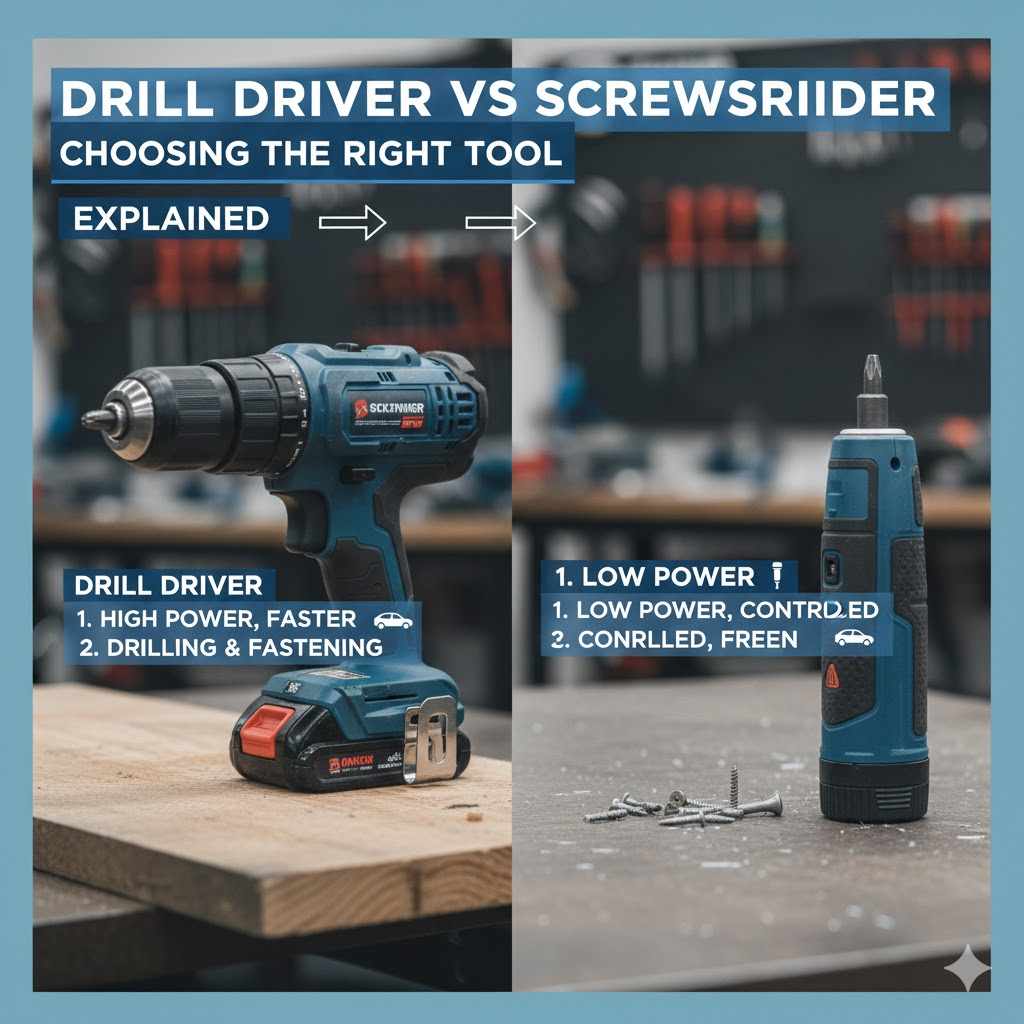
Drill Driver vs Screwdriver: Choosing the Right Tool
Figuring out the difference between a Drill Driver vs Screwdriver: Which Tool Is Better? can be tricky when you’re just starting with home improvement or DIY projects. It’s common to feel a little lost with so many tools! Don’t worry, we’re going to break it down simply. We’ll explore each tool, what it does, and how to pick the right one for the job. You’ll soon be confidently choosing between these two handy helpers. Let’s get started!
What Are Drill Drivers and Screwdrivers?
At their core, both drill drivers and screwdrivers are designed to handle screws, but they do it in slightly different ways. Screwdrivers are manual tools that rely on your physical strength and effort to turn screws. They’ve been around for ages and come in various shapes and sizes to fit different screw heads. Drill drivers, on the other hand, are powered tools. They use electricity (or sometimes a battery) to spin the screw, making the job much faster and easier. The key difference is the power source and the scope of work they handle. Their application, speed, and versatility separate them.
Screwdrivers Unpacked
Screwdrivers are the classic, trusty tools you likely grew up seeing. They come in many types, including flathead, Phillips head, and Torx, each designed for specific screw head styles. You apply pressure and twist the handle, using your own muscle power to turn the screw. While simple, they’re incredibly reliable and don’t require any power source. You can always count on a screwdriver to do the job.
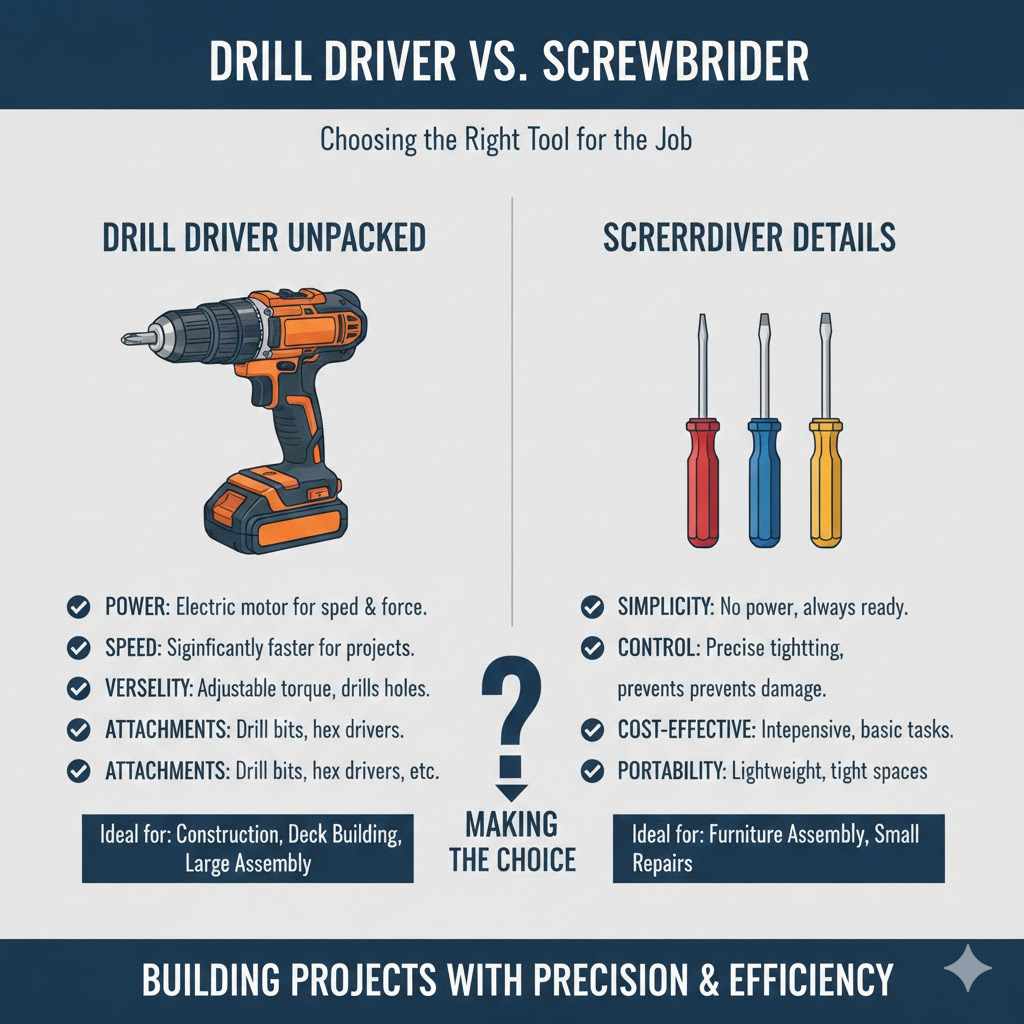
- Simplicity: Screwdrivers require no power and are always ready to use. They require no batteries, no cords, just you and the tool.
- Control: They offer excellent control, allowing precise tightening and avoiding over-tightening. It’s easy to stop when you feel the screw is snug.
- Cost-Effective: Screwdrivers are generally much less expensive than drill drivers, making them an excellent choice for basic tasks. They can be purchased for a few dollars.
- Portability: They’re lightweight and easy to carry, making them ideal for small tasks or situations where you need to work in tight spaces. They slip easily into a pocket.
Imagine you’re assembling a piece of furniture with a flathead screwdriver. You insert the screwdriver into the screw’s slot and apply pressure while turning. Because you control the speed and force, you can feel the screw tightening and avoid damaging the wood. This controlled approach is a strength of manual screwdrivers. You can feel the resistance. You’re in complete command.
Drill Driver Details
Drill drivers are power tools that make driving screws incredibly fast and easy. They use an electric motor to rotate the screw, saving you time and effort. Drill drivers often come with adjustable torque settings, which help you control how much force is applied to the screw, preventing damage. They are extremely valuable for any kind of construction.
- Power: Drill drivers provide significant power, making quick work of driving screws, especially into tough materials. They can drill through wood and other materials.
- Speed: They significantly reduce the time it takes to drive screws compared to manual screwdrivers. This means finishing projects much faster.
- Versatility: Many drill drivers have adjustable speed and torque settings, providing flexibility for different projects. They can handle many types of screws and materials.
- Attachments: Drill drivers can often be fitted with various drill bits, allowing them to be used for drilling holes as well. They are multi-purpose tools.
Let’s say you’re building a deck. A drill driver, set to a moderate torque setting, would make driving hundreds of screws into the deck boards a breeze. You’d have the deck built in a fraction of the time compared to using a screwdriver. The motor in the drill driver does most of the work, reducing fatigue and allowing you to complete the project efficiently.
Comparing Drill Drivers and Screwdrivers: Key Differences
The main contrast between a drill driver and a screwdriver lies in power, speed, and versatility. Screwdrivers are simple, manual tools perfect for small tasks and precision. Drill drivers are powered tools that provide speed and power for larger projects. Understanding these differences will guide you in choosing the correct tool for your project.
Power Source and Operation
One of the clearest distinctions is their power source. Screwdrivers operate solely on human power. The user’s hand provides the force needed to turn the screw. Drill drivers, on the other hand, are powered by electricity or batteries. This means they can generate a much higher torque and operate at a faster pace. The ease of use also differs greatly. A manual screwdriver requires direct physical effort, while the electric drill does most of the work.
- Screwdrivers: Require no external power source, which means no batteries or electricity are needed. They are always ready to go.
- Drill Drivers: Either corded or cordless, utilizing electric motors to generate torque. This is a big advantage when driving multiple screws.
- Torque: Screwdrivers rely on your strength, limiting the amount of torque you can apply. Drill drivers offer adjustable torque settings, making it easy to control the force.
Think about assembling a flat-pack bookcase. Using a screwdriver, you’d apply force and twist, working at your own pace. With a drill driver, you set the torque, press the trigger, and the screws are quickly driven into place. The power of the drill driver saves you time and reduces the physical strain, making it much easier to assemble several pieces of furniture.
Speed and Efficiency
The speed at which screws are driven is another significant difference. Screwdrivers are slower, limited by the user’s hand speed. Drill drivers are much faster due to the electric motor, significantly speeding up the process. This speed difference becomes increasingly important with larger projects that involve many screws. Using a drill driver can reduce project time by a substantial margin.
- Screwdrivers: Slower; the speed is determined by the user’s manual effort. Fine for small jobs.
- Drill Drivers: Much faster, drastically cutting down project completion times. Perfect for jobs with a lot of screws.
- Project Size: The efficiency difference is most noticeable in large-scale tasks. The more screws needed, the more valuable a drill driver becomes.
Consider building a fence. Driving screws into the fence posts with a screwdriver would take a long time and be physically taxing. Using a drill driver, you could complete the project much more quickly, saving hours of work. The time saved is directly proportional to the size of the project and the number of screws.
Versatility and Applications
While the primary function of both tools is to drive screws, drill drivers offer more versatility. Many drill drivers can be equipped with various drill bits, allowing you to drill holes of different sizes. This makes them multi-functional tools. Screwdrivers, on the other hand, are primarily designed for driving and removing screws. They are best suited for simpler tasks and do not have the same range of applications.
- Screwdrivers: Primarily used for driving and removing screws.
- Drill Drivers: Have interchangeable bits for drilling holes and driving screws, adding versatility.
- Projects: Drill drivers work well for assembling furniture, hanging shelves, and many other home improvement tasks.
If you’re installing a new kitchen cabinet, a drill driver is ideal. You can use it to drive screws to assemble the cabinet, and then switch to a drill bit to make holes for the hinges. This versatility streamlines the process. A screwdriver can only perform one of those tasks. The ability to switch between functions increases the tool’s overall usefulness.
Choosing the Right Tool for the Job
Selecting the right tool depends on your project’s specific requirements. Consider the scale of the task, the materials involved, and the level of precision needed. For small tasks requiring precision, a screwdriver is often adequate. For larger projects or when speed is important, a drill driver is the better choice. Think carefully about the job at hand.
Project Scale and Complexity
The scope and complexity of your project heavily influence your tool choice. Small tasks, like tightening a few screws on a light switch, require little effort. Larger projects, such as building a deck or assembling a complete furniture set, call for more power and efficiency. Consider how much work you want to do. The size of the job determines the best tool.
- Small Tasks: Screwdrivers are ideal for minor repairs and adjustments. They are perfect for small jobs around the house.
- Large Projects: Drill drivers are preferred for projects involving many screws, where speed and power are necessary.
- Complexity: For projects with tight spaces or delicate materials, a screwdriver provides better control.
Imagine you need to hang a picture. Using a screwdriver, you can easily insert the screws into the wall and secure the frame. Now, consider building a shed. You’ll need to drive hundreds of screws into lumber. A drill driver will be essential for making that task practical and efficient. The scale of the work impacts your choice.
Material and Screw Type
The materials you’re working with and the type of screws you’re using are important. Screwdrivers work well with softer materials like wood and for small screws. Drill drivers excel when dealing with harder materials, such as metal or dense wood. The type of screw head also influences your choice. Matching the right tool to the materials and screws prevents damage and ensures a secure hold.
- Material Hardness: Softer materials suit screwdrivers, while drill drivers are better for tougher materials.
- Screw Types: Screwdrivers work well for standard screws. Drill drivers work well for self-tapping screws.
- Precision: Screwdrivers offer control when working with delicate materials or small screws where over-tightening is a risk.
If you’re installing drywall, a drill driver with a screw-driving bit is perfect for quickly and easily attaching the drywall sheets to the studs. When you’re assembling fine furniture, a screwdriver will give you the control you need to avoid stripping screws or damaging the wood. It’s all about matching the tool to the specific needs of the job.
Budget and Frequency of Use
Your budget and how often you’ll use the tool are other key factors. Screwdrivers are more affordable, making them a good option for occasional use or for those on a limited budget. Drill drivers typically cost more, but they are cost-effective if you plan to use them frequently or for larger projects. Think about your long-term needs.
- Cost: Screwdrivers are inexpensive, ideal for occasional use.
- Investment: Drill drivers require a larger initial investment.
- Usage: Frequent users or those taking on larger projects should consider a drill driver.
If you only need a tool to tighten a loose screw occasionally, a simple screwdriver will suffice. If you’re a DIY enthusiast who frequently tackles home improvement projects, investing in a drill driver would be a smart move, saving you time and effort over the long run. The budget should fit the usage.
Advanced Drill Driver and Screwdriver Features
Modern drill drivers come with many advanced features that improve performance and ease of use. These include adjustable torque settings, multiple speed settings, and built-in work lights. Screwdrivers have also evolved, with ergonomic designs and specialized heads for different tasks. It’s smart to consider these features if you need a specific feature.
Drill Driver Features
Drill drivers have evolved beyond their basic function, now packed with features. Adjustable torque settings help you control the force applied, preventing screw stripping. Multiple speed settings allow you to choose the optimal speed for the job. Other features improve visibility and comfort.
- Adjustable Torque: Prevents stripping screws by controlling the force.
- Variable Speed: Enables you to adjust the speed to the materials.
- LED Lighting: Improves visibility in dark or enclosed spaces.
- Battery Life Indicators: Show the remaining battery charge.
When assembling a delicate piece of furniture, the adjustable torque setting on a drill driver allows you to drive screws securely without damaging the wood. The LED light ensures you can see in dimly lit areas, helping you to work with more precision. Advanced features create a better user experience.
Screwdriver Features
Screwdrivers, while simple, have also seen improvements. Ergonomic handles improve comfort and reduce hand fatigue, especially during longer tasks. The magnetic tips help to hold screws in place, making it easier to work in tight spaces. Sets of interchangeable bits add versatility to a single tool. Improvements make manual work easier.
- Ergonomic Handles: Provide better grip and reduce hand fatigue.
- Magnetic Tips: Hold screws in place, useful for hard-to-reach areas.
- Interchangeable Bits: Expand the screwdriver’s versatility.
Imagine you’re repairing a computer. A screwdriver with an ergonomic handle can improve comfort and grip as you work with small screws and delicate components. A magnetic tip will help hold the tiny screws in place, preventing you from dropping them or losing them inside the computer case. Better features make any job less stressful.
Real-Life Examples: Project Scenarios
Let’s explore a couple of practical scenarios where we can compare drill drivers and screwdrivers. These examples will illustrate which tool is more appropriate for different tasks. This real-world comparison makes it easier to understand the strengths of each tool. The comparison is useful.
- Assembling a Flat-Pack Bookshelf:Using a drill driver for assembling the flat-pack bookshelf would be significantly faster and more efficient. The adjustable torque setting will prevent the screws from stripping the particle board. Drill drivers are ideal in this scenario because you have many screws to install. You’ll complete the task in a fraction of the time compared to using a screwdriver. This is the perfect job for the drill driver’s power and speed.
- Tightening Loose Screws on a Light Switch:A screwdriver is ideal for this task. It offers the precision needed to control the amount of force applied to the delicate screws on a light switch. You don’t want to over-tighten and damage the switch mechanism. This is a task where the control provided by a screwdriver makes it the perfect tool for the job. The screwdriver’s precision is the best tool for this job.
The Impact of Torque on Drill Driver Performance
Torque is a measure of the rotational force that a drill driver can generate. It’s what allows the tool to drive screws into materials. Adjustable torque settings allow you to control this force, preventing damage to the materials or screws. Understanding and using torque is essential for effective and safe use of a drill driver. Torque controls the performance.
What is Torque?
Torque is the measure of the force that causes an object to rotate around an axis. In the context of drill drivers, it represents the twisting force that drives screws into the material. It’s measured in inch-pounds (in-lbs) or newton-meters (Nm). Higher torque means more power to drive screws into denser materials or larger screws. Torque is critical for driving screws.
- Definition: The rotational force a drill driver produces to turn screws.
- Measurement: Inch-pounds (in-lbs) or newton-meters (Nm).
- Effect: Higher torque allows you to drive screws into tougher materials.
Imagine trying to tighten a large bolt with a wrench. The force you apply with your hands is directly related to the torque you generate. A drill driver works on the same principle, applying rotational force to the screw. The more torque applied, the easier it is to drive the screw into the material. The more torque, the easier the work.
Adjusting Torque Settings
Most drill drivers come with adjustable torque settings. This feature is particularly useful when working with different materials or screw sizes. By adjusting the torque, you can control the force applied to the screw, preventing damage to the material or over-tightening the screw. Properly using these settings ensures the best results. Control is the most important part.
- Purpose: Control the force the drill driver applies to the screw.
- Benefit: Prevents stripping screws or damaging materials.
- Process: Adjust the clutch on the drill driver to the desired setting.
When assembling a cabinet made of particleboard, you would set the drill driver to a lower torque setting to avoid stripping the screws. When driving screws into hardwood, you may need a higher torque setting to ensure the screw goes in completely. Adjustable torque gives you complete control over your project. The result is better performance.
Torque and Material Matching
The correct torque setting depends on the material you are working with. Softer materials, like wood or drywall, need lower torque settings to prevent screw stripping. Harder materials, like metal or dense hardwoods, require higher torque settings for the screw to penetrate. Matching the torque setting to the material is critical for success. This ensures the best results.
- Soft Materials: Lower torque settings to prevent stripping.
- Hard Materials: Higher torque settings for better penetration.
- Testing: Always test on a scrap piece of material first.
When working with softwood like pine, you’ll set the torque lower to avoid stripping the wood. For hardwoods like oak, you’ll likely increase the torque to ensure the screws are fully driven. The right torque ensures the screw secures the materials without damage. Matching the setting is critical.
Drill Driver vs Screwdriver: Safety Considerations
Using both a drill driver and a screwdriver requires safety precautions. The power of a drill driver, combined with the potential for sharp screws, requires caution. Even screwdrivers can cause injury if used improperly. Following safety guidelines prevents accidents and ensures a safe workspace. Safety is always important.
Safety with Drill Drivers
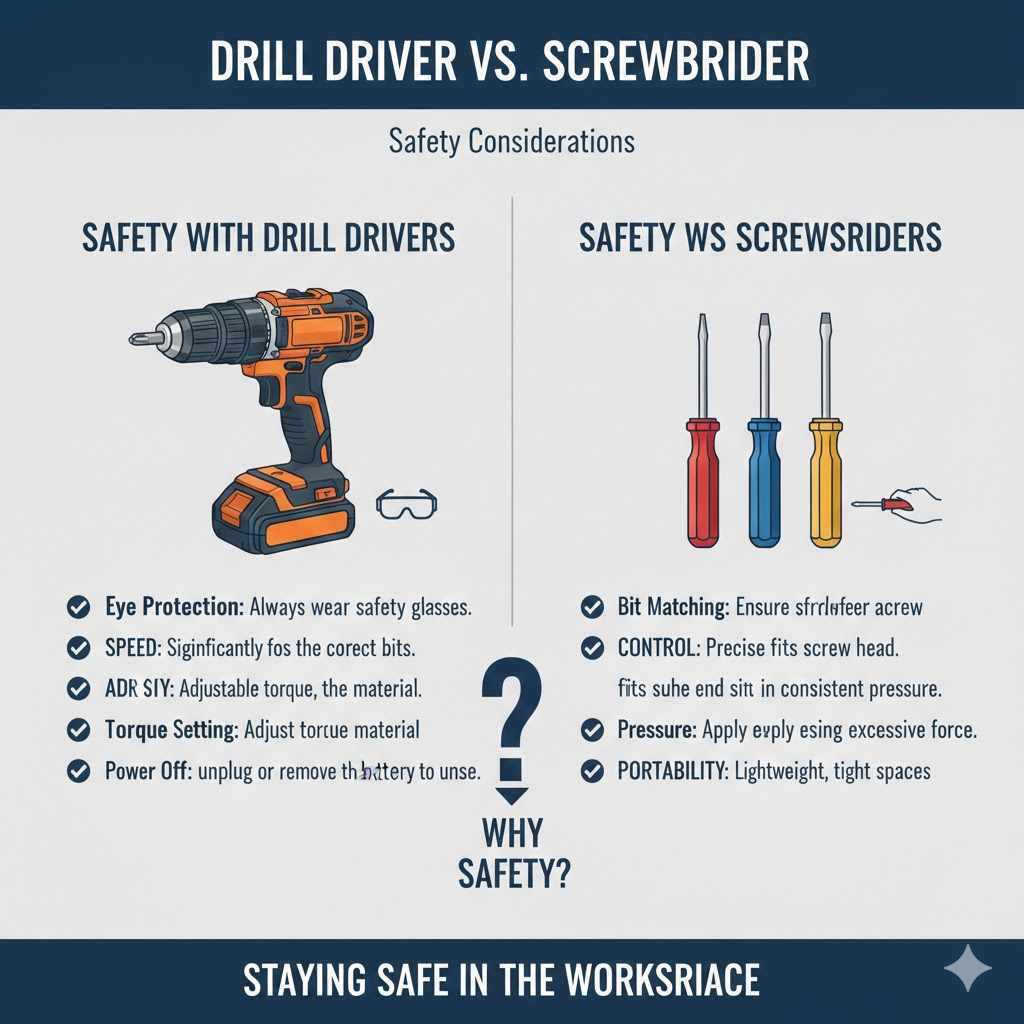
When operating a drill driver, wear safety glasses to protect your eyes from debris. Use the correct drill bits and screw heads to avoid slippage. Ensure the drill driver is set to the appropriate torque. Always unplug the drill driver or remove the battery when changing bits or when the tool is not in use. Following safety steps is smart.
- Eye Protection: Always wear safety glasses.
- Bit Selection: Use the correct bits for the screws.
- Torque Setting: Adjust the torque to the material.
- Power Off: Unplug or remove the battery when not in use.
Imagine you’re working on a project where small wood shavings could fly into your eyes. Safety glasses are a must. Always double-check your bit is correctly seated in the screw head to prevent it from slipping. Taking these precautions protects you from injuries. Always take safety precautions.
Safety with Screwdrivers
When using a screwdriver, always ensure that the screw head fits the screwdriver properly to prevent slippage. Apply even pressure while turning the screw to avoid damaging the screw head or the surrounding material. Never use excessive force, as this can lead to injury. Using a screwdriver safely is just as important as using a drill safely. Proper handling helps.
- Bit Matching: Ensure the screwdriver fits the screw head.
- Pressure: Apply even and consistent pressure.
- Force: Avoid using excessive force.
If you’re using a Phillips head screwdriver, make sure it fits properly into the screw’s head to prevent slipping. Applying even pressure will help you control the screw as you tighten it. These simple measures can prevent injuries and make the job safer and easier. It’s smart to handle your tools carefully.
Frequently Asked Questions
Question: What’s the main difference between a drill driver and a screwdriver?
Answer: A drill driver is a power tool that uses an electric motor to drive screws quickly, while a screwdriver is a manual tool that relies on your hand to turn screws.
Question: When should I use a drill driver versus a screwdriver?
Answer: Use a drill driver for larger projects with many screws, and when speed and power are important. Use a screwdriver for small tasks requiring precision or when you need control.
Question: Are drill drivers dangerous?
Answer: Drill drivers, like any power tool, can be dangerous if not used correctly. Always wear safety glasses and use the correct bits.
Question: Can I use a drill driver to drill holes?
Answer: Yes, many drill drivers can be equipped with drill bits, allowing you to drill holes of various sizes.
Question: Are screwdrivers better for certain tasks?
Answer: Yes, screwdrivers are often better for tasks that require precision and fine control, such as working with small screws or delicate materials.
Final Thoughts
Deciding between a Drill Driver vs Screwdriver: Which Tool Is Better? comes down to the job at hand. Screwdrivers are perfect for small tasks and where precision is key. Drill drivers excel when speed and power are needed for larger projects. With the knowledge of the applications, you’ll be well-prepared to tackle any home improvement project. The best tool is the right one. Always keep safety in mind, and take the time to select the right tool for the job. You’ll work with greater confidence.