Can Cricut Explore Air 2 Cut Wood? A Guide
Yes, the Cricut Explore Air 2 can cut wood — but only very thin sheets, no thicker than about 1/16 inch, like balsa wood or thin basswood. It cannot cut plywood, craft-store wood sheets over 1/16″, or any hardwood; trying to force it through anything thicker risks damaging the machine’s motor and blade housing.
Getting a clean cut also depends on using the right blade and settings, not just the right wood. Here’s exactly what that takes.
What Wood Can the Explore Air 2 Actually Cut?
Required For Cutting Wood On This Machine
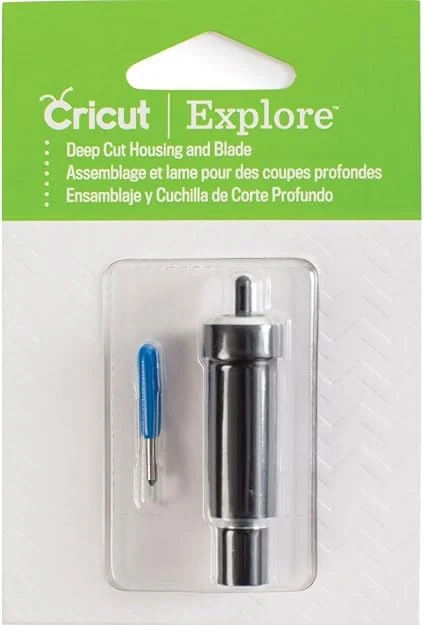 |
Cricut Deep Cut Housing & Blade – $35.00 The standard fine-point blade that ships with the Explore Air 2 isn’t strong enough for wood — this genuine Cricut housing and blade is the specific part the machine needs.
|
The Explore Air 2 is a home craft cutter, not a woodworking tool — it’s built for paper, vinyl, and cardstock, and wood cutting is really an edge-case use it can handle only within tight limits. In practice, that means balsa wood and thin basswood sheets around 1/16 inch thick or less. Both are soft, lightweight woods that don’t fight the blade the way denser material would.
| Material | Thickness Limit | Recommended Blade | Cutting Difficulty |
|---|---|---|---|
| Balsa Wood | Up to 1/16 inch | Deep Cut Blade | Easy |
| Basswood (Thin Sheets) | Up to 1/16 inch | Deep Cut Blade | Easy to Moderate |
| Cardstock | Up to 80 lb | Fine-Point Blade | Very Easy |
| Vinyl | Standard Adhesive Vinyl | Fine-Point Blade | Very Easy |
Trying to push past that 1/16″ limit — standard plywood, craft-store project boards, or any hardwood — will strain the motor and can damage the blade housing without actually cutting through. For anything thicker, a CNC router or laser cutter is the right tool, not this machine.
The Deep Cut Blade Is Not Optional
The fine-point blade that comes standard with the machine is fine for paper and vinyl but will dull almost immediately on wood, leaving ragged edges or failing to cut through at all. The Deep Cut Blade has a longer, more angled edge and a sturdier housing built to apply the extra pressure wood needs — buy the blade and housing together, since they’re matched as a set.
Setting Up the Machine
In Cricut Design Space, select a material setting that matches your wood — “Balsa Wood” or “Basswood, Thin” if listed, or a custom setting matched to your material’s actual thickness if not. The software will prompt you to load the Deep Cut Blade in its housing before it starts.
Wood is lighter than vinyl or cardstock, so it needs to be held down more aggressively than usual:
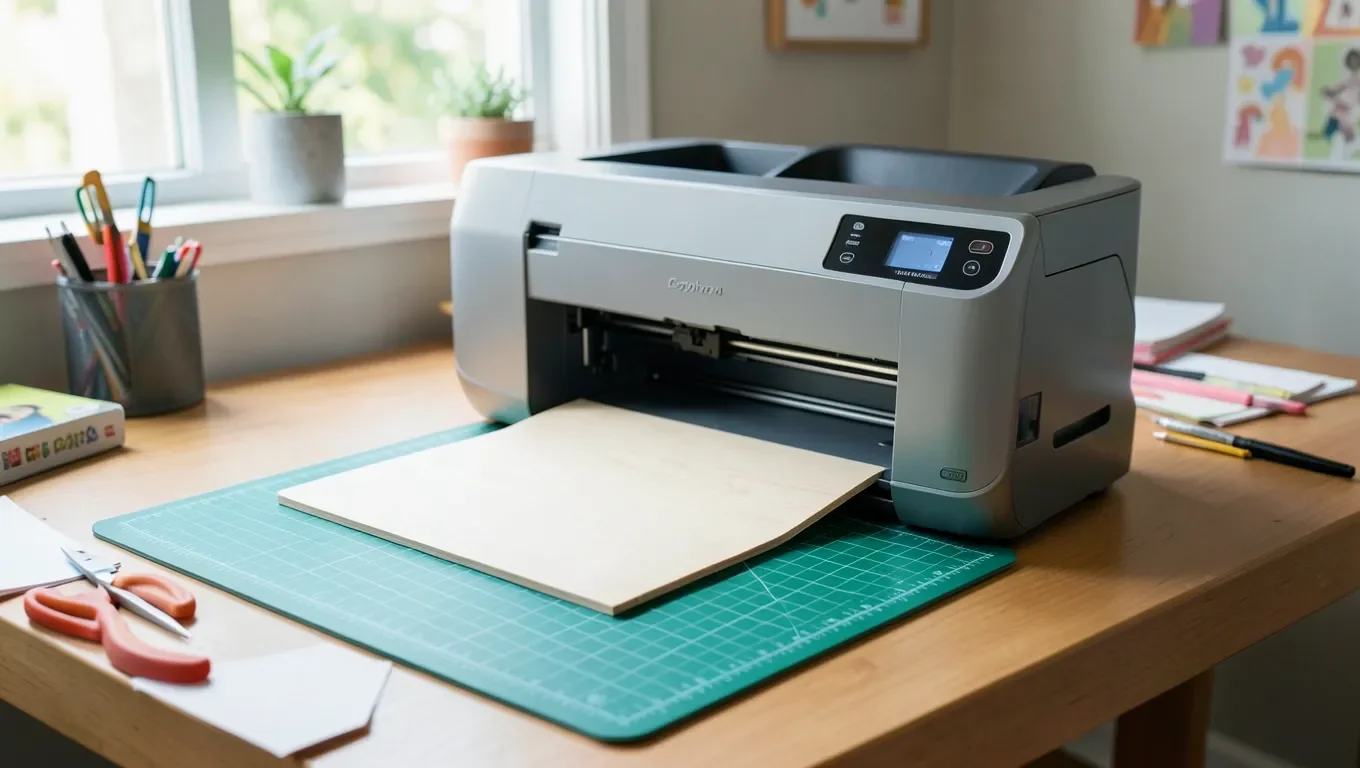
- StrongGrip mat: use it instead of the standard-grip mat — its stronger adhesive is what actually keeps a light wood sheet from shifting mid-cut.
- Painter’s tape: run a strip around the wood’s perimeter to stop the edges from lifting, keeping it clear of the blade’s cutting path.
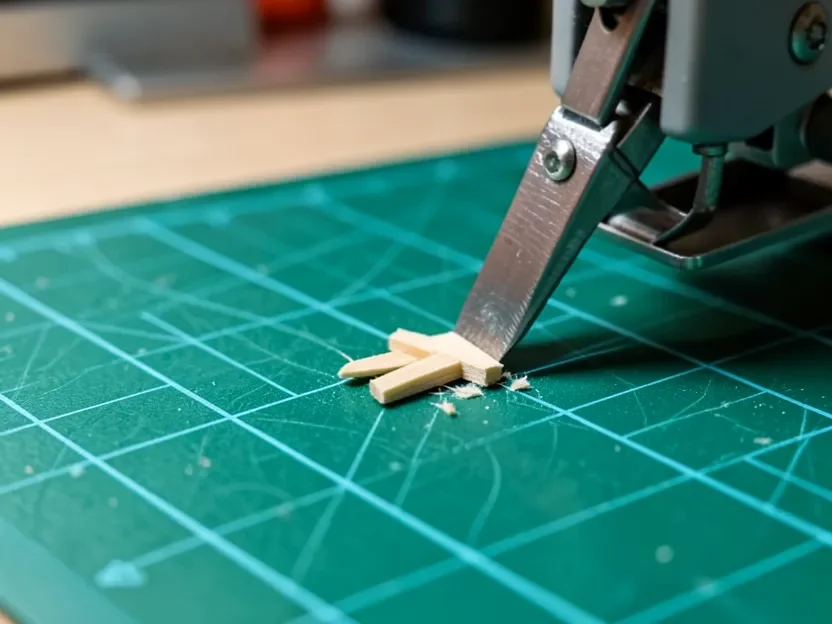
Run a test cut on scrap material first. If the cut doesn’t go all the way through, increase the pressure setting or the number of passes in Design Space; if it’s cutting too rough or too deep, back those settings off. The machine will typically make several passes over the design regardless — that’s normal for wood and not a sign anything is wrong.
Tips for Cleaner Results
- Keep designs simple. Fine details are more likely to snag or tear in thin wood than in paper or vinyl.
- Clean the blade and mat regularly. Wood dust builds up in the blade housing and on the mat’s adhesive faster than paper dust does.
- Ventilate your space. Cutting wood releases fine dust — work somewhere with airflow, especially for larger batches.
- Lightly sand cut edges. Even a clean cut can leave slight fuzz on the wood grain that a quick pass of fine sandpaper smooths out.
With thin wood dialed in, the Explore Air 2 is genuinely useful for gift tags, small wooden signs, layered wood art, embellishments for other craft projects, and reusable stencils. For a broader look at what Cricut machines in general can and can’t do with wood, see our Cricut and wood overview; if your specific material is 1/8″ basswood rather than the thinner 1/16″ sheets discussed here, our 1/8″ basswood guide covers that thicker case specifically.
Frequently Asked Questions
Can I Use the Regular Fine-Point Blade to Cut Wood?
No. The fine-point blade isn’t strong enough for wood and will dull quickly, producing ragged edges or failing to cut through. Use the Deep Cut Blade and its matching housing instead.
How Thick Can the Wood Be for the Cricut Explore Air 2?
The Explore Air 2 is best suited to wood 1/16 inch thick or less, such as balsa wood or thin basswood. Materials thicker than that are not suitable for this machine.
What Kind of Mat Should I Use for Cutting Wood?
Always use the StrongGrip mat. Its stronger adhesive is necessary to hold a light wood sheet firmly in place throughout the multiple passes wood cutting requires.
Will My Cricut Explore Air 2 Cut Plywood?
No. Plywood is too thick and dense for this machine regardless of blade choice. A CNC router or laser cutter is the right tool for plywood and other thicker wood materials.
What If the Wood Doesn’t Cut All the Way Through?
Increase the pressure setting or the number of passes in Cricut Design Space, and check that the Deep Cut Blade is sharp and properly seated in its housing. A dull blade is the most common cause of an incomplete cut.
Final Thoughts
The Cricut Explore Air 2 can cut wood, but only within a narrow lane: thin balsa or basswood, the Deep Cut Blade, a StrongGrip mat, and a test cut before committing to your final piece. Stay inside those limits and it’s a genuinely useful tool for small wood crafts; push past 1/16″ and you’re better off reaching for a different machine entirely.
Sponsored / affiliate links. As an Amazon Associate I earn from qualifying purchases. I may earn additional commission from eligible campaigns.
 Basswood Sheets 12"x12"x1/8", 3mm Basswood for Laser Cutting, Thin Plywood Board Unfinished Wood for Crafts, DIY Architectural Models Making, Wooden Engraving, Burning Product. (12)
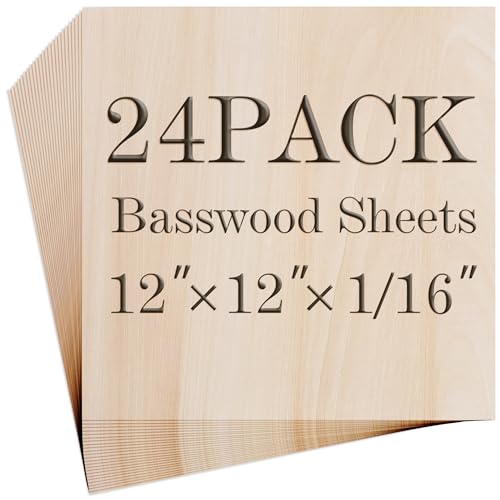 Balsa Wood Sheet, 24 Pack Plywood Sheets, Basswood Sheets 12X12X1/16 Inch, Unfinished Wood Boards Blanks for Laser Cutting, Engraving, Burning, Crafts((H305/17-24)