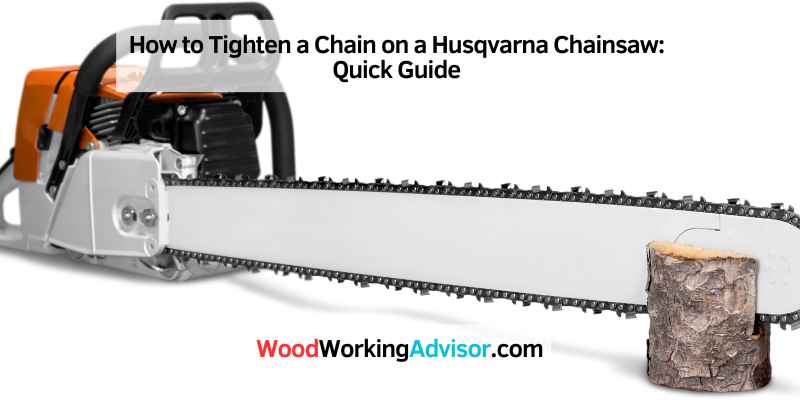
How to Tighten a Husqvarna Chainsaw Chain (Tool-Less Dial or Screw)
To tighten a Husqvarna chainsaw chain: check which tensioning system your model has first. Newer models with a tool-less dial: lift the bar nuts slightly, turn the tensioning wheel clockwise until the chain sits snug against the bar, then retighten the nuts. Older/traditional models: loosen the bar nuts, turn the side tensioning screw clockwise to tighten, then retighten the nuts. Always do this with the engine off and cool.
Maintaining proper chain tension is crucial for the longevity and performance of your Husqvarna chainsaw. A loose chain can derail or increase kickback risk, while an overly tight chain wears out the bar, chain, and sprocket faster. The tricky part most guides skip: Husqvarna uses two genuinely different tensioning mechanisms across their lineup, and using the wrong instructions for your model means fumbling for a tensioning screw that isn’t there – or missing a tool-less dial entirely.
⚡ Quick Answer
Look at the side of your bar first: a large hand-turnable dial means tool-less tensioning (common on newer models like the 450 and X-Torq series) – just turn the dial. A small screw slot means the traditional system – loosen the bar nuts, turn the screw with a scrench or flathead, retighten the nuts. Engine off and cool either way.
Safety First: Before You Touch the Chain
- Make sure the engine is off and the bar is cool.
- Wear gloves and eye protection – chain edges are sharp even when the saw isn’t running.
- Engage the chain brake before handling the bar or chain.
- Rest the saw on a stable, flat surface rather than holding it in the air.
Which Tensioning System Does Your Saw Have?
Husqvarna uses two different systems depending on the model, and they’re adjusted differently:
- Tool-less tensioning (newer models): a large dial on the side of the saw, near the bar. Common on models like the 450 Rancher and much of the X-Torq lineup. No separate tool needed for day-to-day adjustment.
- Traditional screw tensioning (older/other models): a small screw accessed after loosening the bar nuts, adjusted with a flathead screwdriver or the combination “scrench” tool Husqvarna includes with most saws.
If you’re not sure which your saw has, check the area right next to where the bar meets the saw body – a tool-less system has a visible knurled dial you can turn by hand, while a traditional system just has a small screw head.
Tightening a Tool-Less (Dial) System
- Make sure the engine is off and cool.
- Lift the bar tip slightly and loosen the bar retention knob just enough to allow bar movement – most tool-less systems don’t require fully removing the nuts.
- Turn the tensioning dial clockwise to tighten, counterclockwise to loosen.
- With the bar tip still lifted, check that the chain sits snug against the bottom of the bar with no sag, but can still be pulled around by hand.
- Retighten the bar retention knob while holding the bar tip up.
- Re-check tension after retightening – it can shift slightly as the knob seats.
Tightening a Traditional Screw System
- Make sure the engine is off and cool.
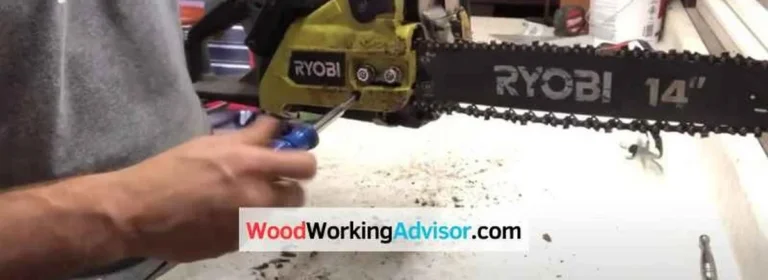
- Loosen (don’t fully remove) the two bar nuts with a scrench or wrench.
- Lift the bar tip slightly and turn the tensioning screw clockwise to tighten the chain, counterclockwise to loosen.
- Check tension: the chain should sit snug against the underside of the bar and pull around freely by hand, without sagging.
- While still holding the bar tip up, retighten the bar nuts securely.
- Re-check tension one more time after the nuts are fully tight.
📊 Official guidance: Husqvarna’s own support documentation confirms the same core check for either system – the chain should be snug against the bar but still able to be pulled around by hand without binding. See Husqvarna’s official chain tensioning guide for model-specific detail beyond the general method above.
Common Mistakes to Avoid
- Over-tightening: a chain that can’t move freely by hand puts extra load on the engine, bar, and sprocket, and wears out faster than a slightly loose one.
- Tensioning a hot bar: a chain expands as the bar heats up during use – tension checked cold will read tighter once the saw has been running. Re-check after the first few cuts on a new chain or after any adjustment.
- Forgetting to hold the bar tip up while tightening the nuts/knob: if the bar drops before you finish tightening, the tension you just set gets thrown off.
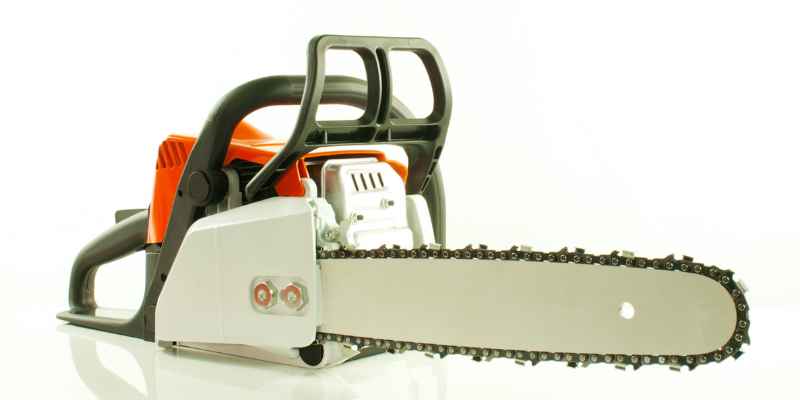
Recommended Tools
Chain Maintenance Essentials
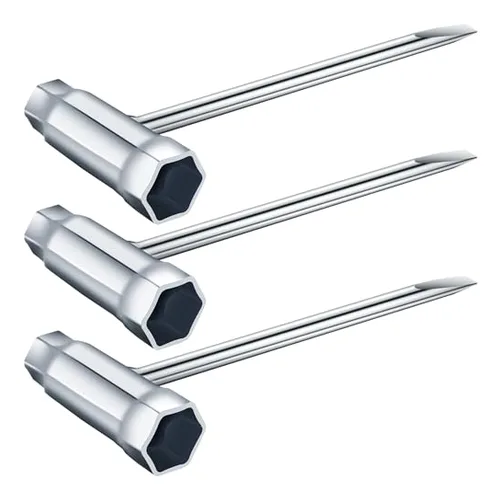
Combines the screwdriver and bar-nut wrench in one tool – the standard for traditional screw-tensioned Husqvarna saws.
Check Price on Amazon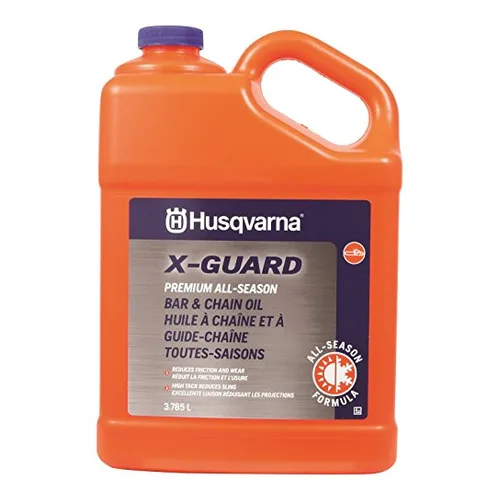
Husqvarna Bar & Chain Oil
OEM-matched oil – proper lubrication reduces the wear that throws off tension between adjustments
Check Price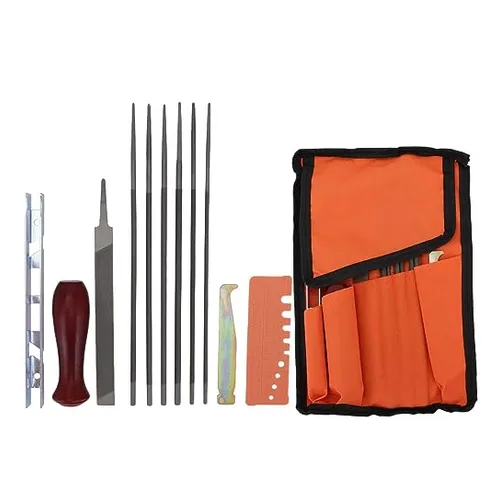
Sharpening File Kit
A dull chain gets pushed harder into the cut, which can mask itself as a tension problem
Check Price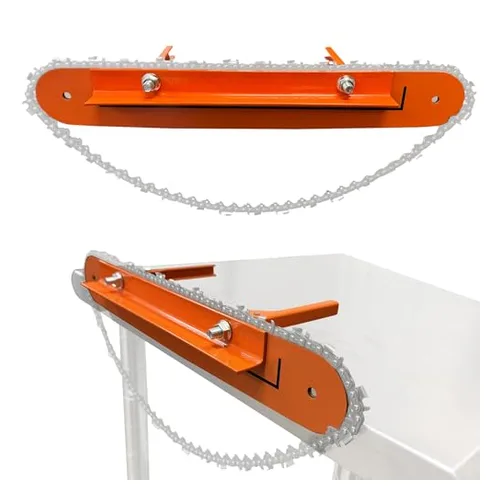
Chain Filing Vise
Holds the bar steady for sharpening and inspection instead of fighting it by hand
Check PriceFrequently Asked Questions
How Often Should I Tighten the Chain on My Husqvarna Chainsaw?
Check tension before every use, and again after the first few cuts on a brand-new chain since new chains stretch slightly as they bed in. Re-check any time the chain looks like it’s sagging away from the bar.
Does My Husqvarna Have a Tool-Less Tensioner or a Screw Tensioner?
Check the side of the saw near where the bar attaches. A large knurled dial you can turn by hand means tool-less tensioning (common on models like the 450 and X-Torq lineup). A small screw slot accessed after loosening the bar nuts means traditional screw tensioning.
Can a Loose Chain Damage My Husqvarna Chainsaw?
Yes – a loose chain can derail off the bar, increase kickback risk, and cause uneven wear on the bar and sprocket. It also cuts less efficiently, which can make you push harder into the wood and increase the risk of a pinch or kickback.
How Do I Know If the Chain Is Too Tight?
If you can’t pull the chain around the bar by hand, it’s too tight. Correct tension lets the chain move freely around the bar by hand while still sitting snug against it with no visible sag.
Conclusion
Getting chain tension right comes down to knowing which system your saw uses – tool-less dial or traditional screw – and re-checking after the first few cuts on anything new. Get that right and the rest is the same for every Husqvarna model: snug against the bar, but still able to move freely by hand.
Sponsored / affiliate links. As an Amazon Associate I earn from qualifying purchases. I may earn additional commission from eligible campaigns.
 GardenPal Dual-Function Chainsaw Chain Sharpener Tool, Fast Manual Filing System for Cutter & Depth Gauge Maintenance, Portable Handheld Chain Sharpening ToolGardenpal Dual-Function Chainsaw Chain Sharpener Tool, Fast Manual Filing System for Cutter & Depth Gauge Maintenance, Portable Handheld Chain Sharpening Tool