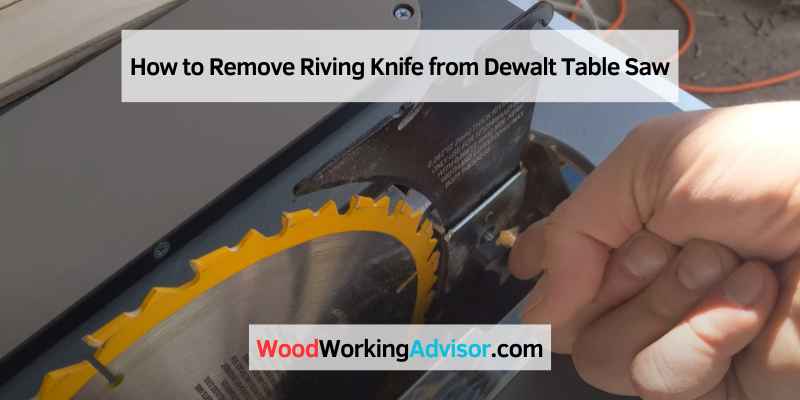
How to Remove a Riving Knife From a DeWalt Table Saw (3 Screws)
To remove a riving knife from a DeWalt table saw, unplug the saw, take off the throat plate and blade guard, then loosen the hex set screw (or screws) holding the riving knife and lift it straight out. On DW745/DWE7480-style saws, those set screws are 2.5mm hex and buried deep in the housing, which is why people often think their saw is “missing” them. This guide covers the exact steps, what to do if you can’t find the screws, and when you’d actually want the riving knife back out.
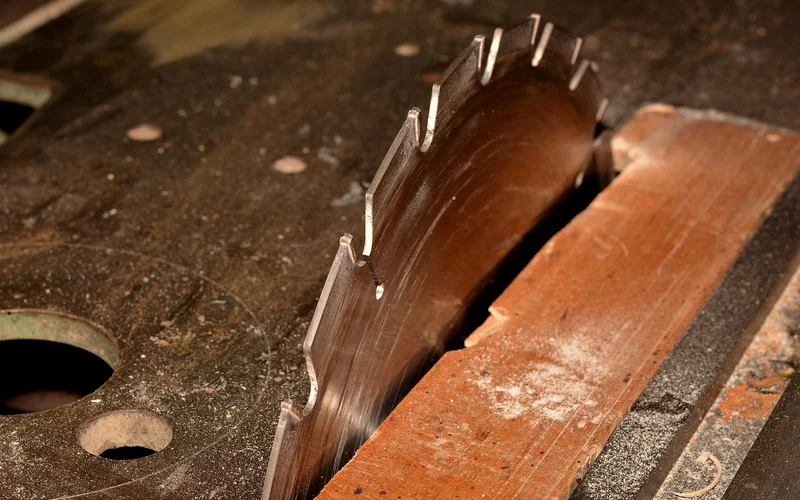
How To Remove The Riving Knife On A DeWalt Table Saw
Best Replacement Riving Knife Pick
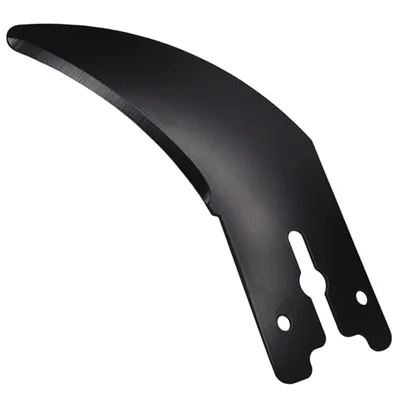
N695948 Riving Knife (DWE7485 Fit)
A direct-fit replacement if your original riving knife is lost, bent, or was damaged while removing a stripped set screw.
- Best for: DWE7485 owners needing a factory-matched replacement
- Why we picked it: direct fit part number, no modification needed
- Main drawback: confirm your exact model/type before ordering — DeWalt has multiple riving knife variants
Round out the job
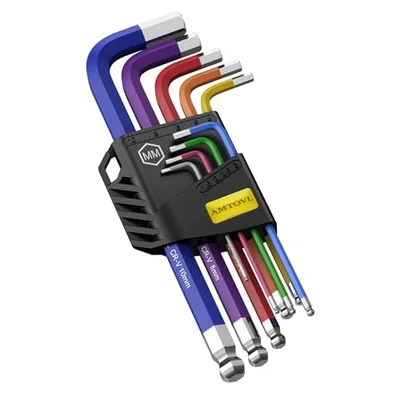 Option 1 AMTOVL Metric Hex Key Set (1.5-10mm)
|
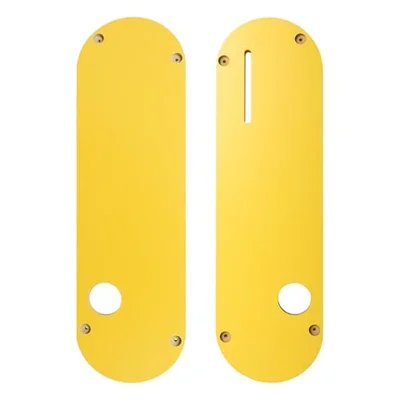 Option 2 Zero-Clearance Throat Plate (DWE7485 Fit)
|
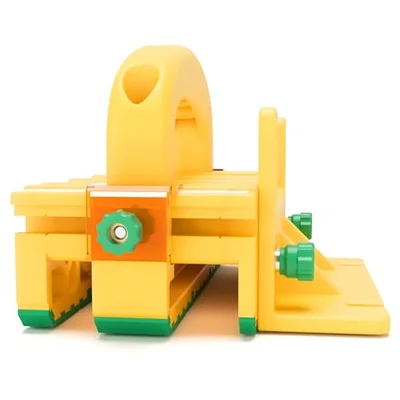 Option 3 GRR-RIPPER+ 3D Push Block
|
As an Amazon Associate we earn from qualifying purchases.
- Unplug the saw. Never work on the riving knife or blade guard with the saw connected to power.
- Remove the throat plate. Loosen the screws holding it in place (the exact count varies by model — some use two, some use four) and lift it off.
- Remove the blade guard assembly. Most DeWalt jobsite saws use a quick-release lever or two screws to detach the guard from the riving knife bracket.
- Lower the blade fully so you can see the riving knife clamping assembly through the saw’s chassis. Shining a light from above helps — the mounting screws are often set back further than expected.
- Loosen the hex set screw(s) holding the riving knife in its bracket, then pull the riving knife straight out of its slot.
- Clean the mounting slot of sawdust or resin buildup before reinstalling the riving knife or a blade.
📊 On DW745 Type 2/3 and DW7480 Type 1 saws, the riving knife is held by three hex set screws — not one or two — and they use a 2.5mm hex, DeWalt part #330022-16. They’re recessed deep enough into the housing that many owners assume the screws are missing entirely. — Source: DEWALT Official Support
Can’t Find The Set Screws?
If you’ve removed the throat plate and dust guard and still can’t see any adjustment screws, don’t assume they’re missing. Lower the blade assembly fully, look straight through the saw’s chassis with a bright light, and check for a small black hex screw set deep into the bracket. If a screw genuinely is missing or stripped, order the correct replacement part for your model rather than substituting a random screw — the wrong size or thread can keep the riving knife from clamping securely.
How to Remove Riving Knife on Ryobi Table Saw
If you’re looking to remove the riving knife from your Ryobi table saw, the process is similar but not identical to DeWalt. First, ensure the power is turned off and the blade is not spinning. Next, locate the retaining screws on either side of the throat plate, typically near the front of the table saw, and remove them with a screwdriver or drill. With the screws removed, you should be able to pull the riving knife out of its slot. Be careful when removing it, as it may be sharp. To reinstall, insert it back into its slot and replace the retaining screws, making sure they’re tight so the knife doesn’t come loose while in use.
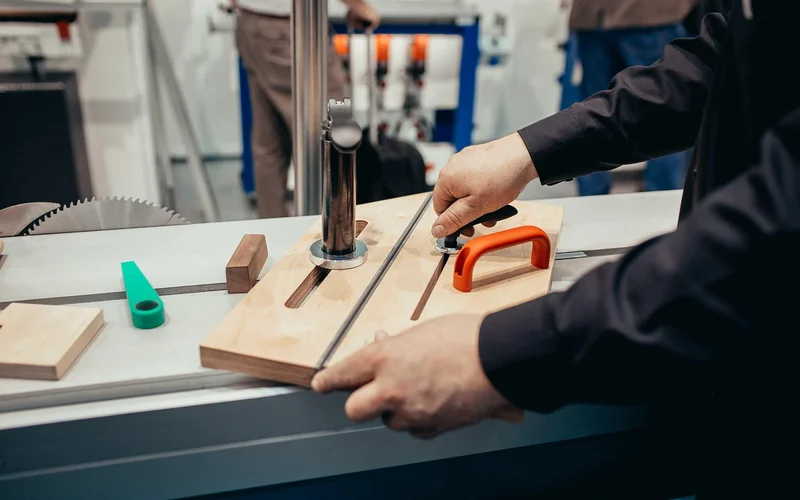
Riving Knife For Table Saw: Fixed Vs. Removable
A riving knife is a thin piece of metal mounted just behind the blade that keeps the wood from pinching the blade as it exits the cut — which is what causes kickback. There are two common styles: fixed riving knives, which stay attached to the blade guard and require removing the whole guard assembly to take out, and quick-release riving knives, found on newer saws, which use a lever or magnetic release so you can pull them without tools.
Why Remove The Riving Knife At All?
The riving knife is one of the most important safety features on a table saw, so removing it isn’t something to do casually. The legitimate reasons: non-through cuts like dadoes, rabbets, and grooves, where the riving knife has nothing to ride against and would just get in the way; replacing a damaged or bent knife; and swapping to a dado stack, which is wider than the riving knife is designed for. Whatever the reason, the riving knife should go back in before making a normal through-cut again.
Frequently Asked Questions
How Do You Remove A Riving Knife From A DeWalt Table Saw?
Unplug the saw, remove the throat plate and blade guard, then loosen the hex set screw or screws holding the riving knife in its bracket and pull it straight out. On DW745/DWE7480-style saws, the set screws are 2.5mm hex and recessed deep in the housing.
Can I Remove The Riving Knife On A Table Saw?
Yes, on most saws with a removable riving knife. Common reasons include non-through cuts like dadoes and rabbets, switching to a dado stack, or replacing a damaged knife. Reinstall it before making a normal through-cut, since it’s a primary kickback safeguard.
How Do You Remove The Blade Guard From A DeWalt Table Saw?
Make sure the blade is fully stopped and the saw is unplugged, then locate the screws or release lever holding the guard to the riving knife bracket — typically one at the front and one at the back on older models, or a single quick-release lever on newer ones. Loosen or release them and pull the guard free.
What Should I Do If The Riving Knife Set Screws Are Missing?
Don’t assume they’re gone before checking closely — on DW745/DWE7480-style saws they’re recessed deep enough that a quick glance can miss them. Lower the blade fully and check with a bright light. If a screw is genuinely missing, order the correct replacement part for your specific model rather than substituting a generic screw.
Conclusion
Removing a riving knife from a DeWalt table saw comes down to unplugging the saw, clearing the throat plate and guard out of the way, and loosening the hex set screw holding the knife in its bracket — just double-check those screws are really missing before ordering replacement parts, since they’re often just recessed deeper than expected. Put the riving knife back before making a normal through-cut; it’s doing real work preventing kickback.
Sponsored / affiliate links. As an Amazon Associate I earn from qualifying purchases. I may earn additional commission from eligible campaigns.