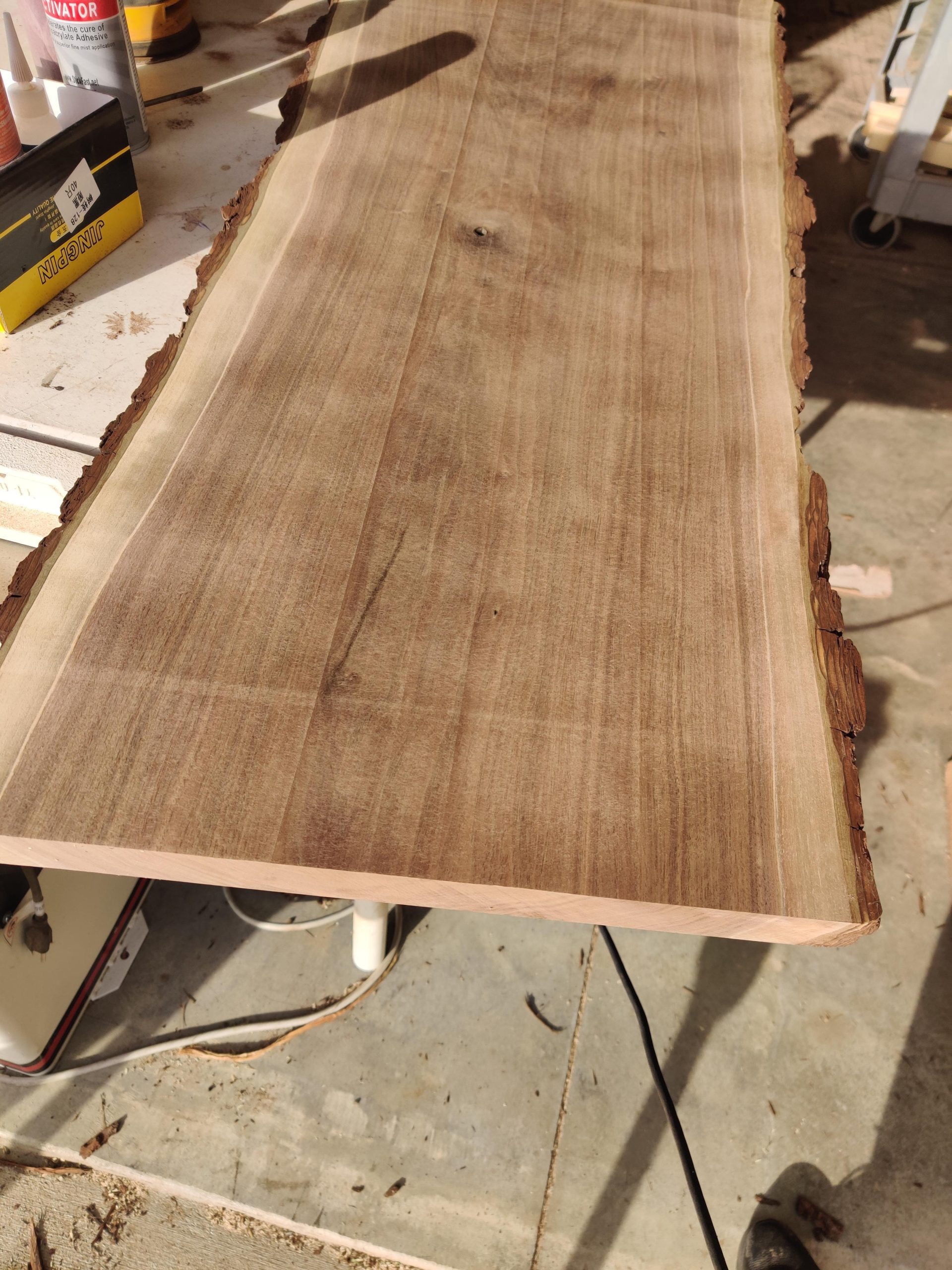
Why is My Planer Leaving Lines?: Troubleshooting Tips
Is your planer leaving lines on your woodwork? You’re not alone.
Many woodworkers face this issue. A planer should produce smooth, even surfaces. But sometimes, it leaves unwanted lines. These lines can ruin your project’s finish. Understanding why this happens is crucial. It can be due to dull blades, improper settings, or debris on the rollers.
Each of these factors can affect the quality of your planing. In this blog post, we will explore the common causes of lines left by planers. We’ll also provide tips to fix them. By the end, you’ll have a clear idea of how to achieve smooth, flawless surfaces in your woodworking projects.

Credit: www.reddit.com
Common Causes Of Planer Lines
Dull blades can cause rough surfaces. The wood may not cut cleanly. This leads to lines and grooves. Sharpen or replace the blades often.
Feed rate is how fast the wood moves. Too slow or too fast is bad. It can create lines. Use a steady speed for best results.
Blades must be aligned properly. Misalignment causes uneven cuts. This results in lines on the wood. Always check and adjust blade alignment.
Identifying Blade Issues
Blades need to be sharp for smooth cuts. Dull blades can cause lines. Touch the blade edge gently. It should feel sharp. If it feels smooth, it needs sharpening. Sharp blades cut cleanly and don’t leave lines. Check both blades if you have two. Both should be equally sharp. Uneven sharpness can also cause lines.
Blades should be free of nicks and dents. Small nicks can create lines on wood. Look closely at the blade edge. Replace blades with many nicks. Clean the blades to remove any sap or resin. Dirty blades can leave marks. Use a soft cloth to clean them.
Adjusting The Feed Rate
Finding the right feed speed for your planer is crucial. Too fast and the planer may leave lines. Too slow and it can burn the wood. Aim for a smooth and steady feed to avoid these issues. Check the manufacturer’s manual for recommended speeds.
Lines on your wood are a clear sign. Other signs include uneven surfaces and rough edges. Listen to the sound of your planer. A loud or struggling sound means the feed rate is wrong. Adjust the speed gradually until the lines disappear.

Credit: www.reddit.com
Aligning Planer Blades
Good tools are vital for aligning planer blades. A straight edge is a must. It helps in checking the blade position. Also, a feeler gauge is useful. It measures the gap between the blade and the table. Finally, a wrench or screwdriver is needed. This is for adjusting the blades.
Start by unplugging the planer. Safety first. Then, remove the blade guard. Next, use the straight edge. Place it on the table. Check if the blade touches the edge. Adjust if needed. Use the feeler gauge. Measure the gap. It should be even. Tighten the blades with a wrench. Recheck the alignment. Make adjustments if necessary.
Maintaining Your Planer
Planer leaving lines? Check the blades for dullness or damage. Properly aligned and sharp blades ensure smooth surfaces. Regular maintenance keeps your planer in top shape.
Regular Cleaning
Clean your planer often. Dust and debris can cause lines. Use a brush or vacuum to remove dust. Check all parts for dirt. Clean the blades carefully. Clean parts work better and last longer. Regular cleaning keeps your planer running smoothly.
Lubrication Tips
Lubricate your planer parts. Use the right oil. Apply oil to moving parts. This helps parts move smoothly. Check the manual for the best oil. Do not use too much oil. Wipe off extra oil. Lubrication stops wear and tear. It helps avoid lines on wood.

Credit: www.reddit.com
Choosing The Right Wood
The grain of the wood matters a lot. Straight grain is easier to plane. Wavy grain can cause problems. Your planer blades may catch and leave lines. Always check the grain before you start planing.
Wood hardness affects your planing. Hardwoods like oak are tougher to plane. Softwoods like pine are easier. Hardwoods can dull blades faster. This can leave unwanted lines. Planing softwoods is usually smoother.
Checking Planer Table Flatness
Use a straight edge to check the table. Place it on the table lengthwise. Look for gaps or high spots. Gaps can cause uneven cuts. High spots can also cause issues. The table must be flat for good cuts.
Adjust the table if needed. First, find the adjustment screws. They are usually on the sides. Turn the screws to raise or lower spots. Check with the straight edge often. Make small adjustments each time. This helps keep the table flat.
When To Seek Professional Help
Sometimes, planers have problems that are hard to fix. Lines on wood may mean blade alignment is off. Deep lines might show a mechanical issue. These cases need an expert.
Search for a qualified technician. Look for those who specialize in woodwork tools. Read reviews and ratings online. Ask for recommendations from friends or local woodworkers. Choose someone with experience and good feedback.
Frequently Asked Questions
Why Is My Planer Leaving Lines?
Your planer might be leaving lines due to dull blades or uneven pressure. Check and sharpen the blades. Ensure even pressure when planing.
How Can I Fix Planer Lines?
To fix planer lines, sharpen or replace the blades. Adjust the feed rate and ensure smooth, even pressure while planing.
What Causes Planer Snipe?
Planer snipe occurs due to uneven pressure or improper support. Support the wood properly and ensure consistent pressure throughout the planing process.
How Often Should Planer Blades Be Sharpened?
Sharpen planer blades after every 20-30 hours of use. Regular maintenance ensures smooth and accurate planing with fewer lines.
Conclusion
Fixing lines in your planer is crucial for smooth woodwork. Regular maintenance ensures better performance. Sharpen blades frequently to avoid issues. Adjust the depth of cut for consistent results. Check for loose parts and tighten them. Clean the machine to prevent clogging.
Practice proper technique while planing. Test on scrap wood before the final piece. Follow these tips for a flawless finish. Happy woodworking!