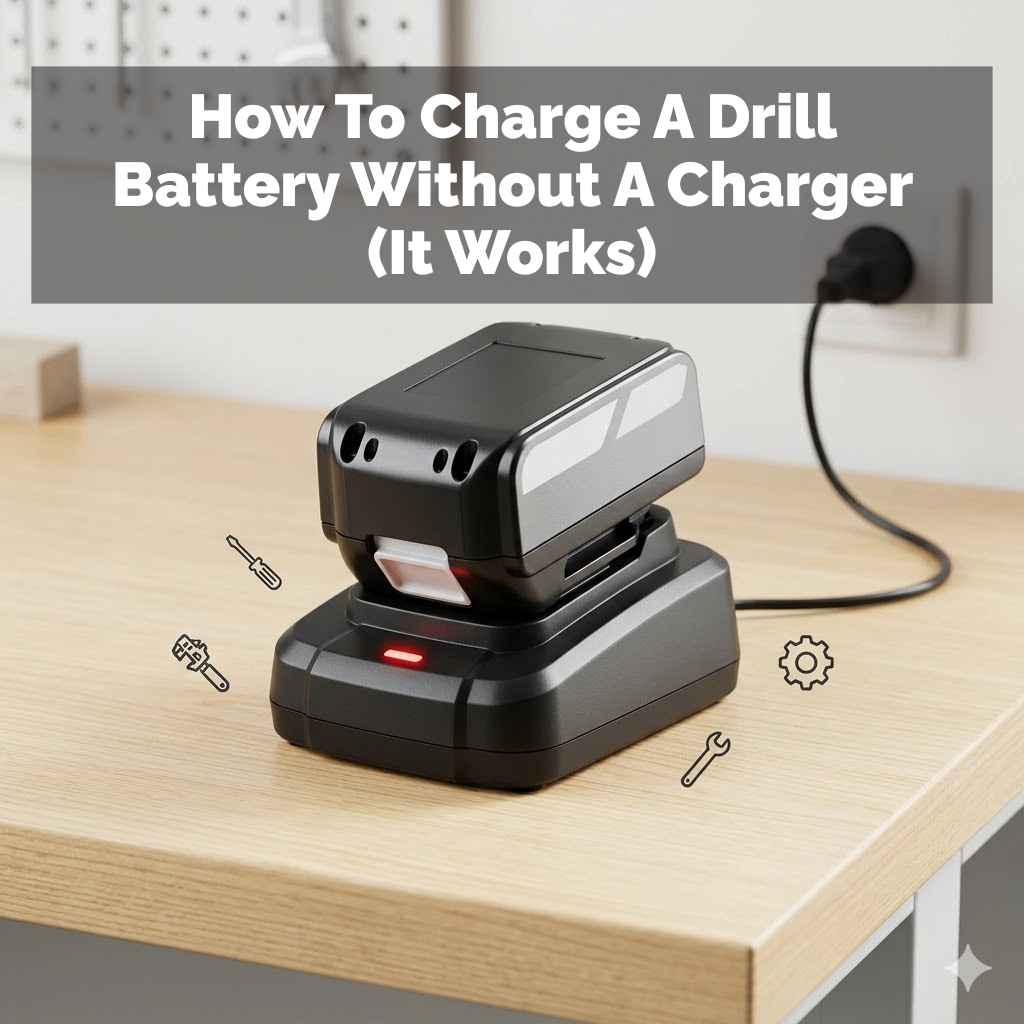
How To Charge A Drill Battery Correctly And Extend Its Life
It’s frustrating when your power tool battery dies too soon. You’re in the middle of a project, and suddenly, your drill stops working. You might wonder if you did something wrong when you charged it.
Many people aren’t sure about the best way to charge their drill batteries. Getting this right can save you money and hassle. This guide will show you how to charge your drill battery the right way.
You’ll learn how to make it last longer and work better. Let’s dive in.
Charging a drill battery correctly involves understanding its type and following simple best practices. This ensures it holds a charge longer, delivers consistent power, and has a longer overall service life, preventing premature wear and saving you replacement costs.
Understanding Your Drill Battery
Drill batteries are not all the same. The way you charge them depends on what kind of battery you have. The most common types are Nickel Cadmium (NiCd), Nickel Metal Hydride (NiMH), and Lithium-ion (Li-ion).
Each has its own quirks and needs.
NiCd batteries were common for a long time. They are tough and can handle rough use. But they suffer from something called the “memory effect.” This means if you charge them before they are fully dead, they can “remember” that lower charge level.
Over time, they won’t hold as much power as they used to. NiCd batteries also contain cadmium, which is bad for the environment. You need to dispose of them properly.
NiMH batteries are an improvement over NiCd. They don’t have the memory effect problem as much. They also hold more power for their size.
However, they can be sensitive to overcharging. Leaving them on the charger for too long can damage them. They also don’t like extreme temperatures, either hot or cold.
Lithium-ion (Li-ion) batteries are the standard now. They are lighter and pack more power. They also don’t have a memory effect at all.
This is great for how we use tools today. You can charge them whenever you want. However, Li-ion batteries are more sensitive to being overcharged or completely drained.
The charger has special circuits to prevent this. They also don’t like extreme heat or cold, much like NiMH batteries.
Knowing your battery type is the first step. Check your drill manual or the battery itself. It will usually say what type it is.
This information helps you choose the right charging method. It also helps you understand any special care it might need. Modern chargers are often smart enough to recognize the battery type.
But it’s still good to know yourself.
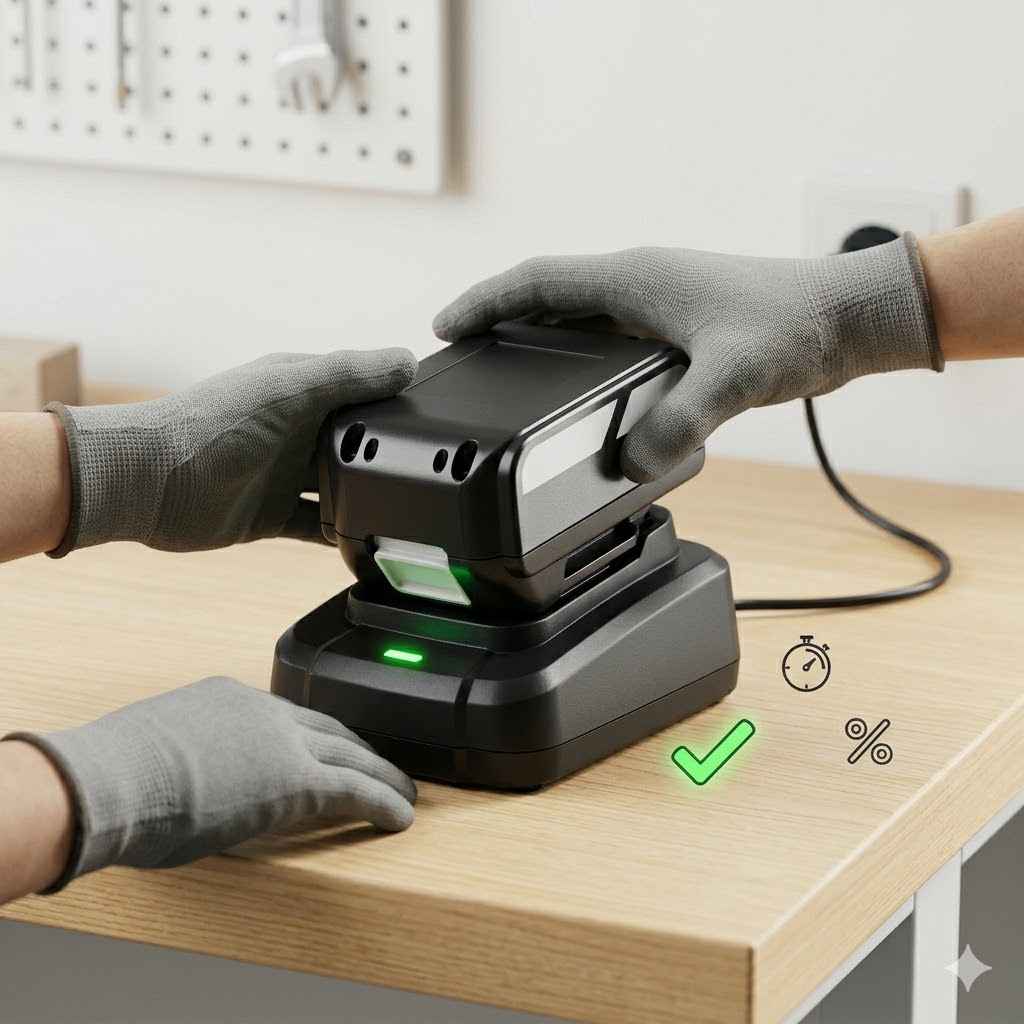
Best Practices for Charging Any Drill Battery
There are some general rules that apply to almost all drill batteries. Following these will help keep them in good shape. It’s about simple habits that make a big difference over time.
Think of it like taking care of any valuable tool.
Always use the charger that came with your drill. Or, use a charger specifically made for your battery type and brand. Generic chargers might not have the right settings.
They could overcharge or undercharge your battery. This can cause damage that you can’t fix. It might even be unsafe.
Charge batteries in a safe place. This means a dry area away from flammable materials. Batteries can get warm when they charge.
You don’t want them near anything that could catch fire. Keep them on a hard, flat surface. This helps with air circulation around the battery and charger.
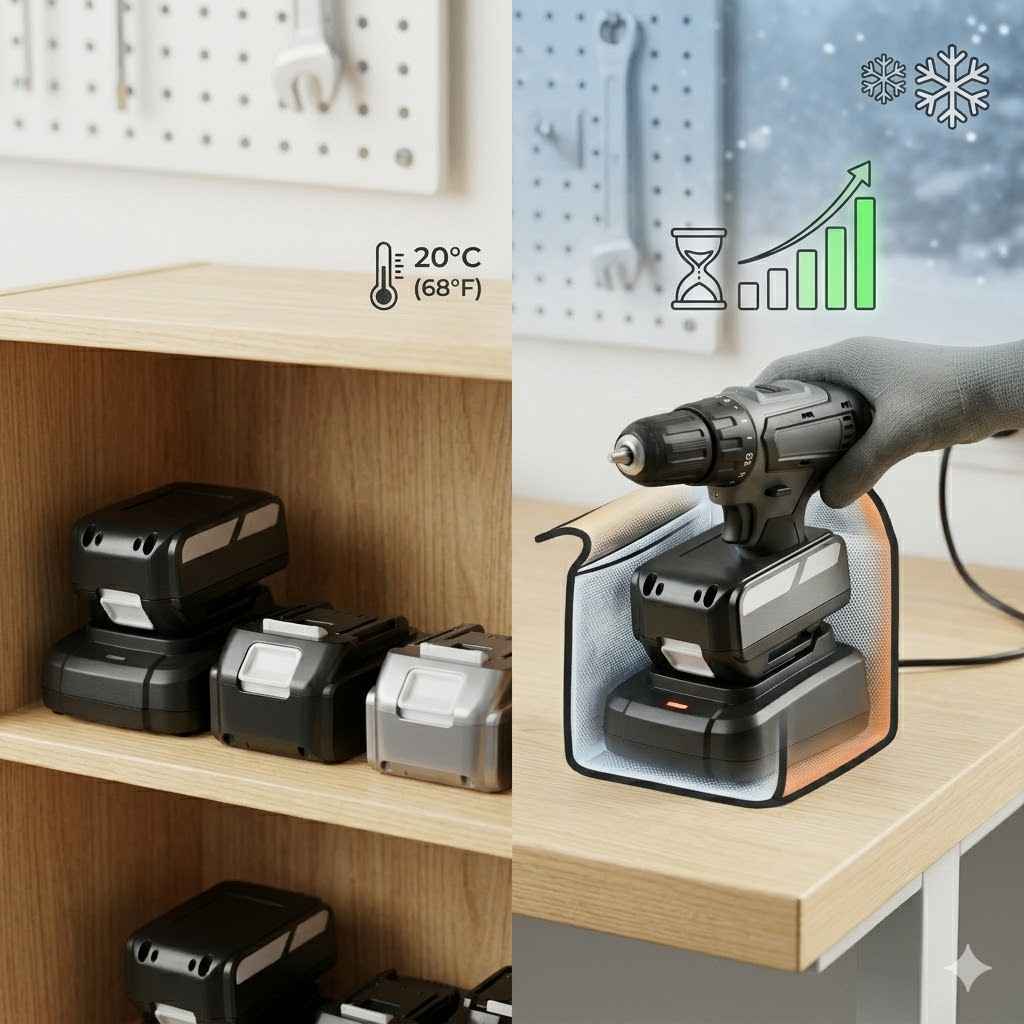
Avoid extreme temperatures. Don’t charge a battery that is very hot. Let it cool down first.
If you just used it hard, it will be warm. Waiting 20-30 minutes is usually enough. Likewise, don’t charge a battery that has been sitting in the cold.
Let it warm up to room temperature. Extreme heat can damage the battery’s internal components. Extreme cold can slow down the charging process and reduce its capacity.
Don’t leave batteries on the charger forever. For NiCd and NiMH, this was a bigger issue due to the memory effect. But even for Li-ion, while modern chargers are smart, it’s generally a good idea to remove the battery once it’s fully charged.
The charger might still trickle charge. This can sometimes put stress on the battery over long periods. Most people don’t need to worry about this too much with newer tools.
But if you leave a battery on for days or weeks, it’s best to unplug the charger.
Store batteries properly when not in use for a while. If you won’t use the drill for a month or two, it’s best to store the battery at about 50% charge. For Li-ion batteries, this is usually around 3.6-3.8 volts per cell.
If you store them fully charged for a long time, it can degrade their capacity. If you store them completely dead, they might not be able to be recharged at all. Store them in a cool, dry place.
Avoid storing them in very hot or cold locations.
Keep the battery contacts clean. The metal contacts on the battery and the charger need to be clean to make good electrical contact. If they get dirty or corroded, the battery might not charge properly.
You can clean them gently with a pencil eraser or a soft, dry cloth. Never use water or harsh chemicals. Make sure the battery is disconnected from the charger before cleaning.
Observe the charging indicator lights. Most chargers have lights that tell you the status. Usually, one light means it’s charging.
Another light might mean it’s fully charged. Some have a blinking light to show a fault. Learn what your charger’s lights mean.
This can alert you to a problem early on.
Consider a battery maintenance or conditioning mode. Some chargers have this feature. It’s designed to help with older battery types like NiCd.
It might discharge and then recharge the battery. This can help break down any memory effect. Li-ion batteries generally don’t need this.
But if you have an older NiCd or NiMH, it can be useful.
Respect the battery’s age. No battery lasts forever. Even with perfect care, their capacity will decrease over time.
They can hold fewer charges. If your battery is several years old and doesn’t hold a charge like it used to, it might just be worn out. It’s time to think about a replacement.
Charging Lithium-ion (Li-ion) Drill Batteries
Li-ion batteries are the most common type now. They are user-friendly and powerful. But they have specific needs for charging.
Understanding these will help you get the most out of them.
The biggest advantage of Li-ion is no memory effect. This means you can charge your battery anytime. If it’s only half-charged, you can put it on the charger.
It won’t hurt the battery. You don’t need to wait for it to drain completely. This is very convenient for power tools.
You can charge it up whenever you have a break.
Your Li-ion charger has smarts. It has built-in electronics. These protect the battery from overcharging and deep discharging.
This is why it’s important to use the original charger. It’s designed to work perfectly with your specific battery. It monitors the voltage and temperature.
It stops charging when it’s full.
Avoid fully draining a Li-ion battery if possible. While the charger protects it from going too low, consistently using the drill until it stops can still put stress on the battery. Many modern drills have an electronic cutoff to prevent this.
But if you notice the drill slowing down a lot, it’s a good time to recharge. A little bit of charge is better than no charge for Li-ion.
Temperature is a big deal for Li-ion. Don’t charge them when they are too hot or too cold. If you were using the drill intensely on a hot day, the battery will be warm.
Let it cool down. A good rule of thumb is to wait until it feels like room temperature to the touch. If you have been working in a very cold garage, let the battery warm up inside your house for a while before charging.
Storage is also important. If you plan to store a Li-ion battery for more than a month, aim for a charge level of about 40-60%. This is not a hard rule, but it helps preserve the battery’s lifespan.
Storing them fully charged for long periods can cause them to degrade faster. Storing them completely dead can lead to irreversible damage. Many manufacturers recommend storing them at room temperature.
These batteries are expensive. Taking good care of them means you won’t have to buy replacements as often. It’s worth the small effort to follow these charging and storage tips.
Li-ion Battery Care Quick Tips
Charge Often: Don’t wait for it to die. Charge when you can.
Use Original Charger: It’s designed for your battery.
Avoid Extremes: Keep away from hot cars and freezing sheds.
Moderate Storage: Store at 40-60% charge for long periods.
Clean Contacts: Ensure good connection for best charging.
Charging Older NiCd and NiMH Batteries
If you have older tools, you might still be using NiCd or NiMH batteries. These require a slightly different approach because of the memory effect and other sensitivities.
NiCd Batteries and the Memory Effect: This is the main challenge with NiCd. If you charge it when it’s not empty, it might lose some of its total capacity. Imagine you charge it at 50%.
Next time, it might act like 50% is its full charge. To combat this, try to use the battery until it’s almost dead before recharging. If you suspect it has a memory effect, use a charger with a “conditioning” or “refresh” mode.
This mode will fully discharge the battery and then recharge it. This can help reset its memory. Doing this once every few months can help.
NiMH Batteries: These are better than NiCd because the memory effect is much less of a problem. You can charge them more flexibly. However, they are sensitive to overcharging.
Leaving them on the charger for days can damage them. They also don’t like extreme heat. If you’ve been using your tool hard, let the NiMH battery cool down before charging.
Like NiCd, store them in a cool place. If storing for a long time, a partial charge is usually best, similar to Li-ion. Avoid leaving them completely dead or fully charged for extended periods.
Charger Compatibility: For these older battery types, it’s even more critical to use the correct charger. An older NiCd charger might not be suitable for a NiMH battery, and vice versa. Always check the manual or the battery itself.
Some chargers are designed to handle both, but you need to be sure.
Taking care of these older batteries means being a bit more mindful of their charge cycles. It might feel like more work, but it can extend their useful life significantly. It’s a shame to throw away a perfectly good tool just because the battery is weak.
NiCd & NiMH Battery Care Contrast
- NiCd: Prone to memory effect. Needs full discharge cycles.
- NiMH: Less memory effect. Sensitive to overcharging.
- Both: Prefer cool, dry storage. Use manufacturer’s charger.
- NiCd Specific: Consider conditioning mode regularly.
- NiMH Specific: Avoid leaving on charger indefinitely.
When is it Okay to Charge?
The question of “when” to charge can be tricky. It depends on the battery type and how you use your drill. Let’s break it down by battery type and usage.
For Lithium-ion (Li-ion): You can charge them almost anytime. If you only have 15 minutes before a short task, a quick charge is fine. If you just finished a big job and the battery is warm, wait for it to cool.
If the drill is slowing down, it’s a good time to put it on the charger. There’s no need to wait for it to die. This flexibility is a huge advantage.
For NiCd batteries: Try to charge them when they are nearly depleted. This helps avoid the memory effect. If you can, use the battery until the drill noticeably slows down or stops.
Then, charge it fully. If you only used it for a quick screw or two, you might not need to charge it right away. However, if you have a charger with a conditioning cycle, using that periodically can help manage the memory effect even if you can’t always fully discharge it.
For NiMH batteries: They are more forgiving than NiCd. You don’t need to stress about the memory effect as much. You can charge them when they are partially depleted.
However, avoid leaving them on the charger for days on end. If you used the drill for a short time, it’s okay to put it back on the charger, but try to remove it once it’s full. If you notice the drill slowing down, that’s a good cue to recharge.
General Rule for All Types: If the battery has been sitting unused for a very long time (months), check its charge level. If it seems completely dead, it might be difficult to revive, especially Li-ion. For Li-ion, a completely dead battery might have permanently lost capacity or might not accept a charge at all.
For older types, a slow, deep charge might help if the charger has that feature.
Think about your workflow. If you have a big project, you might want to ensure all your batteries are fully charged the night before. If you’re just doing quick fixes around the house, charging whenever you have a moment is perfectly fine, especially with Li-ion.
Charge Time Snapshot
| Battery Type | Best Time to Charge | Notes |
| Li-ion | Anytime, especially when drill slows or during breaks. | No memory effect. Avoid extreme heat/cold. |
| NiCd | When nearly depleted to avoid memory effect. | Use conditioning mode periodically. |
| NiMH | Partially depleted is okay, but avoid overcharging. | Do not leave on charger for days. |
Troubleshooting Common Charging Issues
Sometimes, your drill battery might not charge as expected. This can be frustrating, but often there’s a simple fix. Here are some common problems and how to solve them.
Problem: Battery won’t charge at all.
First, check if the charger is plugged in and working. Try plugging in another device to the same outlet. Ensure the battery is seated correctly on the charger.
Sometimes it just needs to be pushed down firmly. Check the battery contacts and charger contacts for dirt or debris. Clean them gently with a soft cloth or pencil eraser.
If the battery is very old, it might have reached the end of its life. Or, the charger itself might be faulty. If you have another compatible battery, try charging that one.
If it charges, the issue is with the first battery. If it doesn’t charge either, the problem is likely the charger.
Problem: Battery charges very slowly.
This can happen if the battery is very cold. Let it warm up to room temperature before charging. Extreme heat can also sometimes slow charging, though usually it stops it altogether.
If you’re using an older charger with a newer, higher-capacity battery, it might take longer. Ensure you are using the charger that came with the battery or one of equivalent power. Dirty contacts can also slow down charging.
Problem: Battery indicator lights are flashing strangely.
Most chargers have indicator lights that signal a problem. Check your drill’s manual to understand what the flashing pattern means. It could indicate an overheating battery, a faulty battery, or a problem with the charger.
If the battery is too hot, remove it and let it cool. If it’s a battery fault, it might need to be replaced. If it’s a charger fault, you may need a new charger.
Problem: Battery doesn’t hold a charge for long after charging.
This is a common sign that the battery is aging. All rechargeable batteries lose their capacity over time and with use. If it’s a Li-ion battery and it’s only a year or two old, check if it’s overheating during use or charging.
If it’s an older NiCd battery, it might have developed a memory effect. Try a conditioning cycle if your charger has one. For NiMH, if it’s old, capacity loss is normal.
If the battery is relatively new and losing charge quickly, there might be an internal defect. This is rare, but possible.
Problem: Battery leaks or smells strange.
STOP IMMEDIATELY. This is a sign of serious damage or failure. Do not try to charge it or use it. Leaking battery fluid can be corrosive.
Take the battery outside immediately and place it on a non-flammable surface away from anything that could catch fire. Contact the manufacturer or your local hazardous waste disposal center for advice on how to safely dispose of it. This is a safety hazard.
Troubleshooting Checklist
- No Charge: Check outlet, seating, clean contacts. Try another battery/charger.
- Slow Charge: Battery temp (too cold/hot), charger match, dirty contacts.
- Weird Lights: Consult manual for error codes. Check battery temp.
- Short Life: Age of battery, memory effect (NiCd), overheating, defect.
- Leak/Smell: IMMEDIATE STOP. Safety hazard. Dispose safely.
Extending Battery Life: Beyond Charging
Charging correctly is key, but other habits also help your drill battery last longer. Think of your battery like a marathon runner. It needs proper training, rest, and care to go the distance.
Avoid Extreme Heat and Cold: We’ve touched on this for charging, but it’s also true for storage and use. Leaving a battery in a hot car trunk or a freezing garage can degrade it faster. Even during use, if the battery gets very hot, give it a break.
Let it cool down before putting it back on the charger or continuing heavy work.
Don’t Overload the Drill: Pushing your drill to its absolute limit for extended periods can stress the battery. If you’re drilling through very hard material, slow down your pace. Let the drill and battery do the work without forcing them.
This also helps prevent the drill motor from overheating.
Keep it Clean: Beyond the charging contacts, keep the entire battery clean. Dust and grime can sometimes get into vents or electrical components. A quick wipe-down with a dry cloth after use is a good habit.
If there’s stubborn dirt, use a slightly damp cloth, but make sure the battery is completely dry before charging or storing.
Rotate Batteries: If you have multiple batteries, use them in rotation. Don’t always use the same one until it dies. This allows each battery to rest and cool down between uses.
It also ensures that you’re getting balanced wear across all your batteries. This is especially helpful for professional use where batteries are used heavily.
Proper Storage: As mentioned before, store batteries at a moderate charge level (40-60% for Li-ion) in a cool, dry place if they won’t be used for a long time. Avoid storing them in damp environments or direct sunlight.
Inspect Regularly: Take a moment to look at your batteries now and then. Check for any signs of damage, swelling, or corrosion. If you see anything unusual, stop using the battery and investigate.
It’s better to be safe.
These simple practices, combined with correct charging, will significantly extend the life of your drill batteries. This means fewer trips to the store for replacements and more reliable power when you need it most.
Battery Life Booster Pack
Temperature Control: Store and charge between 40°F and 80°F.
Gentle Use: Don’t force the drill; let it work.
Keep Clean: Wipe down after use. Avoid dust buildup.
Rotate Power: Use all your batteries evenly.
Smart Storage: Moderate charge for long breaks.
Inspect: Look for damage or swelling often.
What This Means for Your Projects
Understanding how to charge your drill battery correctly isn’t just about following instructions. It has real benefits for your DIY projects and professional work. A well-cared-for battery means a more reliable tool.
Consistency is Key: When your battery charges properly, it delivers consistent power. This means your drill won’t suddenly lose power in the middle of driving a screw or drilling a hole. This consistency makes your work smoother and more efficient.
You spend less time fighting with your tools.
Fewer Interruptions: Think about a project where you need to drill many holes. If your battery life is good, you can get more done without stopping to wait for a recharge. This saves you time and keeps your project momentum going.
Nobody likes having to pause for an hour because a battery died.
Save Money: Batteries are one of the most expensive parts of a power tool. By taking care of them, you can make them last much longer. This means you won’t have to buy replacements as often.
Over several years, this can add up to significant savings.
Better Performance: A healthy battery can deliver more power. This helps your drill perform at its best. It can handle tougher jobs and cut through materials more easily.
You get better results with less effort.
Environmental Impact: Properly caring for your batteries means they last longer. This reduces the need for manufacturing new ones. It also means fewer batteries ending up in landfills prematurely.
While recycling is important, extending the life of the battery is even better for the environment.
So, the next time you plug in your drill battery, remember that a little bit of care goes a long way. It’s an investment in your tools and your projects.
Frequently Asked Questions
Can I leave my Li-ion drill battery on the charger overnight?
Yes, for the most part. Modern Li-ion chargers have built-in safety features to prevent overcharging. They will stop charging once the battery is full.
However, it’s generally good practice not to leave them plugged in for weeks on end. Removing it once it’s charged is ideal, but overnight is usually fine.
What does the “memory effect” mean for drill batteries?
The memory effect mostly applies to older NiCd batteries. It means if you repeatedly charge the battery before it’s fully discharged, it can “remember” that lower charge level. Over time, it will then only be able to hold a charge up to that remembered point, reducing its total capacity.
How do I know when my drill battery is dead?
You’ll notice the drill slowing down significantly. It might start and stop intermittently. Eventually, it will stop working altogether.
For Li-ion batteries, many drills have an indicator light or will automatically shut off to protect the battery from draining too low.
Is it bad to use my drill battery in extreme temperatures?
Yes, it is. Extreme heat or cold can damage the battery’s internal chemistry. This reduces its lifespan and capacity.
Avoid charging, storing, or using your drill in temperatures that are too hot (over 100°F / 38°C) or too cold (below 32°F / 0°C).
Should I fully discharge my drill battery before charging?
This depends on the battery type. For Lithium-ion (Li-ion), no, it’s not necessary and can even be detrimental. You can charge them anytime.
For older Nickel Cadmium (NiCd) batteries, it was recommended to discharge them fully to avoid the “memory effect.” Nickel Metal Hydride (NiMH) batteries are somewhere in between.
How can I tell if my drill battery is damaged and needs replacing?
Look for physical signs like swelling, cracks, or leaks. If the battery gets unusually hot during charging or use, or if it stops holding a charge for a very short time, it might be damaged or nearing the end of its life. Any sign of leaking is a major safety concern.
Can I use a different brand’s charger with my drill battery?
It’s generally not recommended. Chargers are designed to work with specific battery types and voltage outputs. Using an incompatible charger could damage your battery, the charger, or even pose a fire risk.
Always use the charger that came with your tool or a replacement from the same manufacturer.
The Bottom Line on Battery Charging
Taking care of your drill batteries is simple once you know the basics. Understand your battery type, use the right charger, and follow some common-sense rules about temperature and storage. By doing this, you’ll get more power, longer life, and save money.
Happy building!
Sponsored / affiliate links. As an Amazon Associate I earn from qualifying purchases. I may earn additional commission from eligible campaigns.