How to Unlock a Chop Saw: Release the Transport Lock Pin, Step by Step
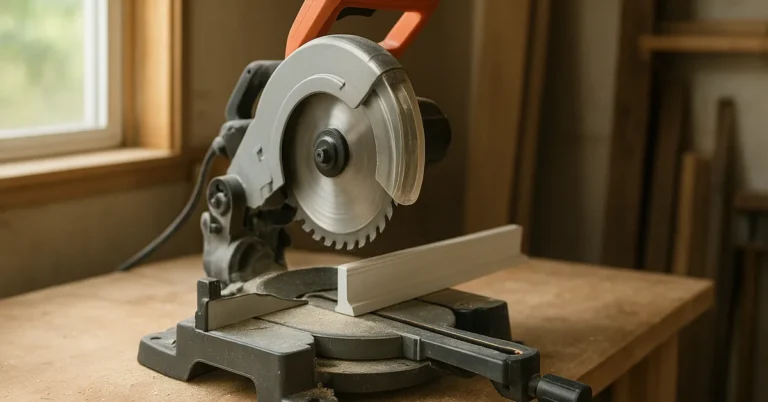
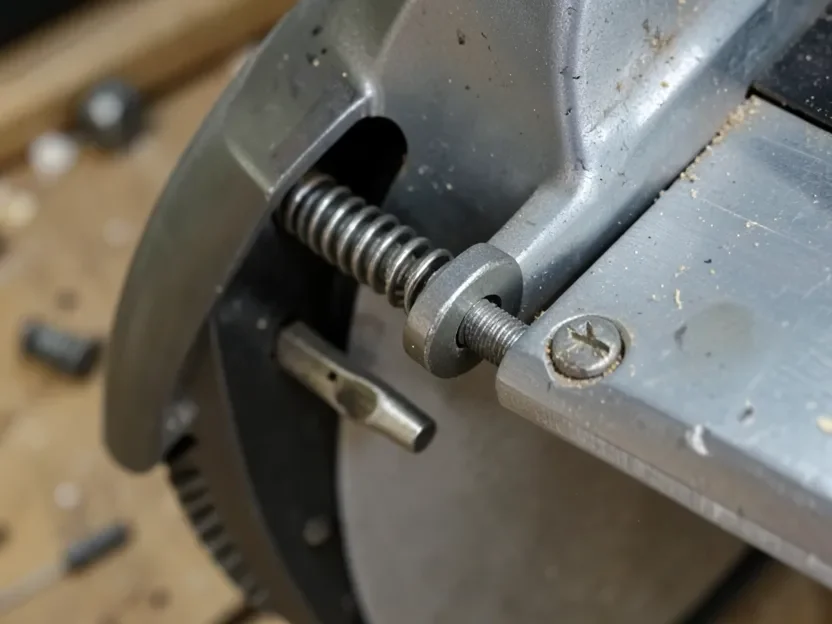
If your chop saw’s head is stuck down and won’t lift, you’re almost certainly looking for the transport lock pin, not a bevel lock or a guard you need to take apart. Every corded chop saw and compound miter saw ships with a spring-loaded pin or knob near the rear hinge that clamps the head down against the base for carrying and storage. Rest your hand on the top handle, press down slightly to take tension off the pin, then pull or twist it free — the head springs up on its own once it’s released. Below is the exact sequence, where the pin sits on DeWalt, Hitachi, Evolution, Craftsman, and SKIL saws specifically, and what to check if the head still won’t budge.
It’s a Transport Lock Pin — Not a Guard You Take Off
Best-Matching Single-Bevel Compound Saw
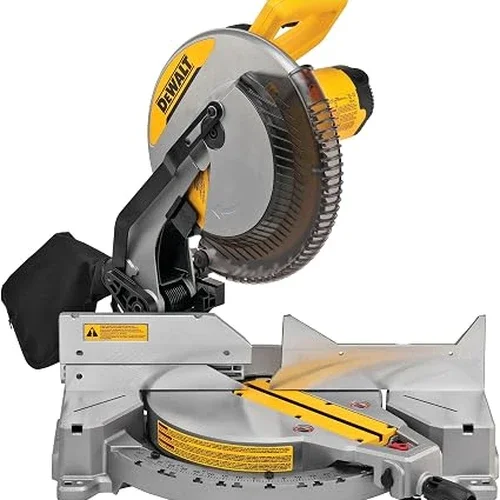 |
DEWALT DWS715 12″ Single-Bevel Compound Miter Saw – $344.75 Uses the same spring-loaded transport pin near the hinge described throughout this guide — a solid reference saw if you’re shopping for a reliable 12-inch single-bevel model.
|
Older guides to this problem often say to “remove the safety guards” to free the blade — that’s the wrong move, and it’s genuinely unsafe advice. There are two completely separate locking features on a chop saw, and mixing them up is where most confusion starts. The transport lock is the pin or knob near the rear hinge that holds the whole head pressed down for carrying; it’s almost always what’s engaged on a saw that’s fresh out of the box or has just been moved. The blade spindle lock is a different button entirely, usually near the motor housing, and its only job is to hold the arbor still while you loosen the blade bolt to swap blades — you’d never touch it just to lower the guard and start cutting. Removing the blade guard itself isn’t a step in unlocking the saw at all; the guard is spring-loaded and is supposed to retract on its own as the head comes down during a cut, then snap back closed when you lift the head again.
How to Release the Transport Lock Pin: 4 Steps
- Grip the top handle and press down slightly on the saw head. The hinge assembly is under spring tension, and that tension is what’s pinching the pin in place — a little downward pressure takes the load off so the pin isn’t binding.
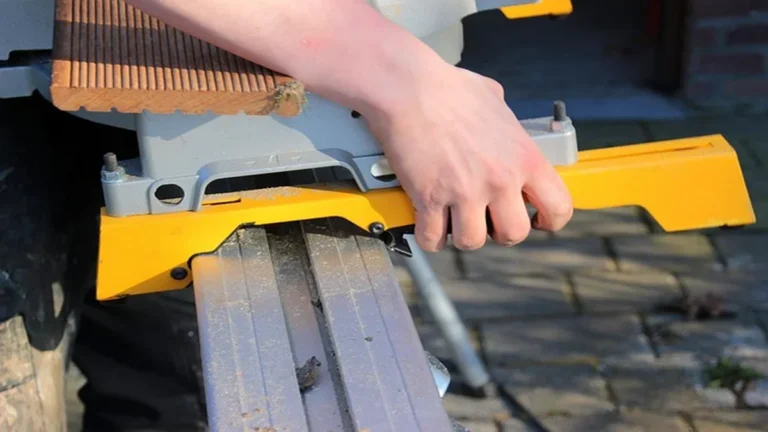
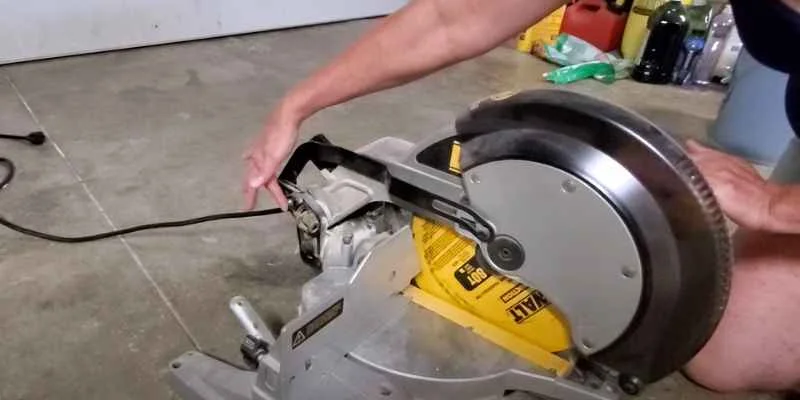
- Find the pin or knob. On most saws it’s a small metal pin with a knob or ring on the end, located right where the head pivots, usually toward the back-left of the saw as you face it from the operator’s position.
- Pull the pin straight out (some models need a slight twist first to clear a notch) while still holding light downward pressure on the head.
- Let the head rise. Once the pin clears, the return spring lifts the head on its own — you shouldn’t have to force it. If it doesn’t move freely, stop and check the troubleshooting section below rather than muscling it.
Lock Pin Location by Brand
The basic mechanism is the same across brands — a pin under spring tension near the hinge — but exactly how it releases varies enough that it’s worth knowing your specific saw before you start pulling on things.
- DeWalt: Locate the pin near where the blade pivots and pull it straight out while applying slight downward pressure on the head; once it clears its seat, the head lifts freely.
- Hitachi / Metabo HPT: Push down on the handle slightly and pull the pin at the same time — you may need to work the handle up and down a little to walk the pin free. It’s typically on the left side facing the saw from the back.
- Evolution: Multi-material saws in this line often use a pull-and-twist knob rather than a straight pin; if it resists, back off the twist direction rather than forcing it further.
- Craftsman: Same pin-and-knob layout near the hinge; on older models the pin can sit a little stiffer from age and benefits from a drop of penetrating oil if it won’t budge by hand.
- SKIL: Look for the pin just behind the blade guard housing near the hinge bolt; it usually pulls straight out without needing to be twisted first.
If your saw is specifically a compound miter saw rather than an abrasive chop saw, and it’s a DeWalt DW715 in particular, our DW715 unlock guide covers that model’s pin location and a common stuck-pin fix in more detail.
If the Head Still Won’t Lift
A handful of things stop the head from rising even after the pin comes out. Sawdust and dried resin packed around the pin’s seat is the most common culprit — a stiff pin that won’t pull is usually gunk, not damage, and a few drops of penetrating oil worked in with the pin partly out often frees it up within a minute or two. Check that you’re actually pulling the transport pin and not a different lock: some saws have a separate bevel lock lever nearby, and it’s easy to grab the wrong one on a saw you’re not used to — if bevel and miter locks are the confusion, our miter saw lock guide walks through telling them apart. On saws that have sat unused for a long time, the return spring itself can weaken or the hinge can gum up with old lubricant; if the pin pulls freely but the head still doesn’t rise on its own, you can usually lift it by hand once the pin is clear, but a saw that won’t hold its position afterward needs the hinge serviced rather than being forced through repeated use.
Safety Rules Once It’s Unlocked
- Unplug the saw before working on the pin or hinge itself, especially if you’re applying penetrating oil or reaching near the blade housing to check for obstructions.
- Never bypass, tape down, or permanently remove the transport lock mechanism. It’s part of how the saw is designed to sit safely when you’re not actively cutting, and a head that can drop unexpectedly is a real hazard around hands and fingers.
- Before your first cut, confirm the blade guard is moving and closing on its own as you raise and lower the head. A guard that hangs up or doesn’t spring back closed needs to be fixed before you cut anything — don’t wedge it open to work around it.
- Re-engage the transport lock every time you move or store the saw, not just when it’s brand new. It’s the same pin you just released, and using it consistently is what keeps the head from swinging loose in a truck bed or on a job site.
Once the head is unlocked and the guard is moving properly, the saw is ready to use. If your next step is swapping the blade rather than just making a cut, that’s the separate spindle-lock button mentioned earlier — our chop saw blade-change guide covers that process from here. And if you’re not actually sure whether the tool in front of you is a chop saw or a miter saw to begin with, chop saw vs. miter saw explains the real difference — it affects more than just terminology, since the two tools use blades rated for different materials.
Frequently Asked Questions
Why won’t my chop saw’s blade guard open?
Almost always because the transport lock pin near the hinge is still engaged, holding the whole head down against the base. The guard itself is spring-loaded and retracts automatically once the head is free to move — you don’t open or remove it by hand.
Is the chop saw lock the same as a miter saw’s bevel lock?
No. The transport lock holds the entire head down for carrying and is what’s usually meant by “the saw is locked.” The bevel lock is a separate lever that only controls the angle tilt during normal cutting and has nothing to do with raising or lowering the head.
Can I leave the transport lock pin out permanently?
You can use the saw normally with the pin out, but you should re-insert it every time you move, carry, or store the saw. Never remove or bypass the pin mechanism itself — it’s a safety feature that keeps the head from dropping unexpectedly when the saw isn’t in active use.
Is a chop saw the same as a miter saw?
Not quite. A dedicated chop saw is built with an abrasive or metal-cutting blade for straight 90-degree cuts, while a compound miter saw uses a wood-cutting blade and can pivot for angled miter and bevel cuts. Many people use “chop saw” loosely to mean either one, which is why the same transport-lock mechanism shows up under both names.
Sponsored / affiliate links. As an Amazon Associate I earn from qualifying purchases. I may earn additional commission from eligible campaigns.