Ryobi One+ 18V System Review: Is It Worth Buying Into?
Ryobi ONE+ 18V is a strong pick if you want a low-cost cordless system for drills, drivers, lights, and other light-to-moderate DIY work, but it is a poor fit for frequent heavy cutting or pro-level runtime demands. Buy the wrong starter kit and you can pay twice for batteries, chargers, and tools that still fall short under load. This guide breaks down platform cost, the tool categories that make sense, and the jobs where Ryobi stops being the bargain.
Verdict: is Ryobi ONE+ worth it?
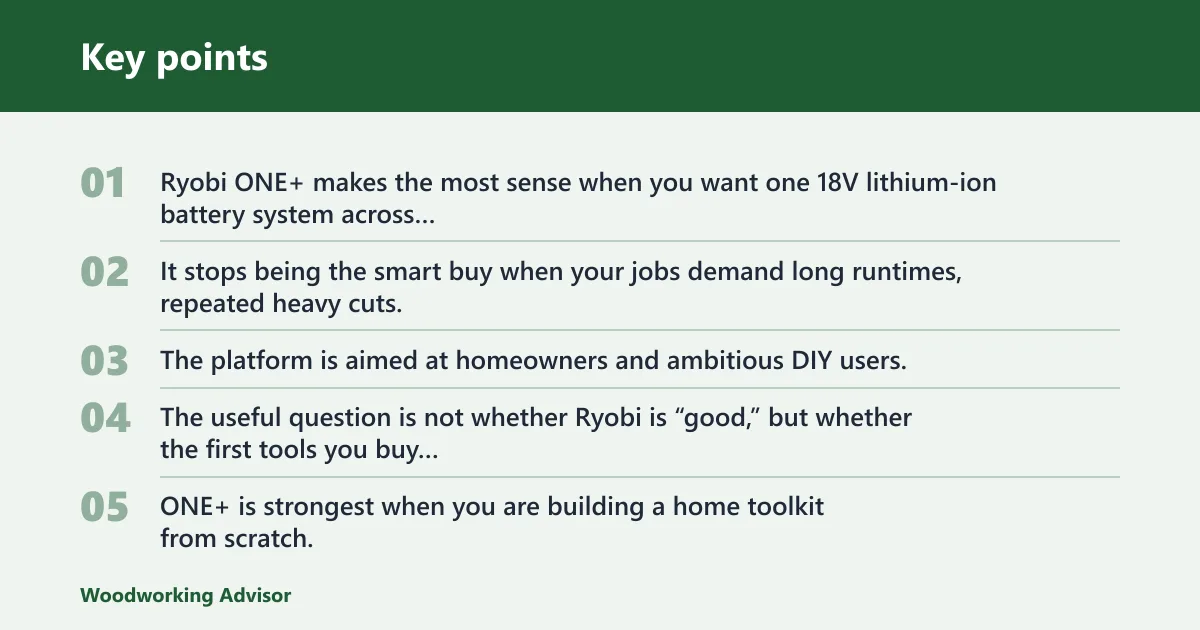

Yes, for the right buyer. Ryobi ONE+ makes the most sense when you want one 18V lithium-ion battery system across many tools, you value lower entry cost over maximum power, and your work is mostly drilling, fastening, trimming, and intermittent cutting. It stops being the smart buy when your jobs demand long runtimes, repeated heavy cuts, or all-day abuse.
The platform is aimed at homeowners and ambitious DIY users, not at tradespeople who need maximum durability under constant load. The useful question is not whether Ryobi is “good,” but whether the first tools you buy will keep earning their place after the second or third battery purchase.
Where the system makes the most sense
ONE+ is strongest when you are building a home toolkit from scratch. Shared batteries and chargers reduce clutter, and the ecosystem is broad enough that you can move from a drill/driver to a saw, light, fan, or yard tool without starting over.
That matters because the cost of ownership is not just the tool price. It is the battery count, charger count, and whether you keep buying into the same platform or fragmenting across brands.
Where the platform stops being the bargain
Ryobi becomes less attractive when the job load is repetitive and demanding. Thick stock, long ripping sessions, and long stretches of cutting or fastening can expose the limits of a lower-tier 18V platform faster than a casual tool buyer expects.
Say your project is a deck repair with repeated cuts in pressure-treated lumber. A ONE+ saw may get through the work, but battery swaps and slower progress can turn the “cheap” platform into the expensive one if you keep pushing it beyond its comfort zone.
What the ONE+ system actually buys you
ONE+ is a shared-battery platform: the same 18V lithium-ion batteries and chargers are intended to work across a very large tool family. Ryobi describes the ecosystem as compatible with over 150 tools, which is the real value proposition. Buy the battery once, then spread it across more jobs.
This is the main reason the platform feels affordable. If you buy a drill now and a saw later, you do not need a separate charger and battery family for each one. That lowers both storage clutter and the chance of owning mismatched chargers that never get used.
Why kit contents vary by bundle
Ryobi combo kits are not universal packages. Some bundles prioritize a starter tool set; others add more batteries, a different charger, or extra accessories. You should verify the exact tool list, battery count, charger type, and warranty before buying, because “ONE+ combo kit” tells you the platform, not the contents.
Homeowner fit versus heavy-use limits
The platform suits homeowners because it covers common drilling, fastening, trimming, and light cutting tasks without a high entry cost. It is often less convincing for daily jobsite abuse, where battery runtime, charge recovery, and tool durability tend to matter more than bundle size.
ONE+ ownership matrix
This table compares five practical starter paths. The battery and charger counts assume typical platform-building choices, not one fixed kit. Use it to judge total ownership cost, not just the sticker price of one tool.
| Starter path | Estimated battery count | Charger count | Total tool count | Likely first replacement battery cost | Woodworking tasks you can realistically handle |
|---|---|---|---|---|---|
| Bare tool | 0 | 0 | 1 | You still need to buy a battery first | Only if you already own ONE+ batteries; otherwise it is not a usable start |
| 1-battery starter | 1 | 1 | 1 | One replacement battery, usually the first major add-on cost | Layout work, drilling pilot holes, driving screws, small cutoffs, and light assembly |
| 2-tool kit | 1 to 2 | 1 | 2 | One replacement battery if you want longer sessions without downtime | Furniture assembly, shelf building, small plywood cuts, and general home-shop setup |
| 6-piece combo | 2 | 1 | 6 | One battery replacement is often the first wear item; a second battery helps workflow | Most homeowner woodworking: drilling, fastening, rough crosscuts, demolition, trim fitting, and light finishing work |
| Expanding home shop | 2 to 3 | 1 to 2 | 7 or more | Higher likelihood of adding a higher-capacity battery for runtime before more tools | Routine cabinet hardware installation, bench projects, trim work, break-down cuts, and intermittent site-style work |
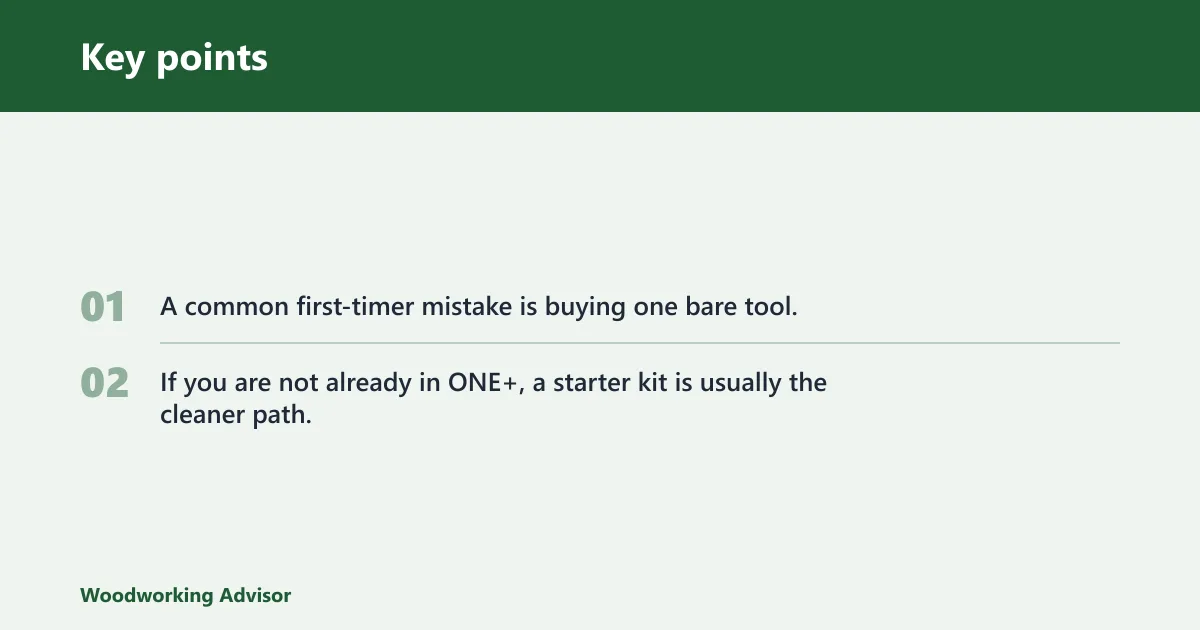
A common first-timer mistake is buying one bare tool, then finding that the battery and charger cost almost as much as the tool itself. If you are not already in ONE+, a starter kit is usually the cleaner path.
What comes in a combo kit?
A Ryobi ONE+ combo kit usually bundles several starter tools, one or more batteries, and a charger so you can begin using the platform immediately. The exact mix varies by package, so the label matters more than the family name. Some kits are built as a first workshop bundle; others are simply a discount on separate tools packed together.
Common starter-kit parts to verify
For the kit you are considering, check the exact tool list. A documented six-piece combo can include a drill/driver, impact driver, circular saw, reciprocating saw, multi-tool, and work light, with two 18V lithium-ion batteries and a 3-year manufacturer warranty. That is kit-specific, not universal.
Battery and charger types
Confirm whether the kit includes one battery or two, and whether the charger is a standard unit or a faster one. That choice affects downtime. A two-tool starter with one battery can still leave you waiting while one tool sits idle and the pack charges.
Warranty length and why it matters
A 3-year warranty is a meaningful starter-kit feature because it gives you a better baseline for a platform trial. If the kit feels undersized for your workflow, warranty coverage softens the risk while you decide whether to keep expanding the line.
Which ONE+ tools make sense for woodworking?
Ryobi ONE+ works well for many woodworking tasks, but not every tool in the line deserves equal weight. The drill/driver is the anchor buy. The circular saw is useful for sheet goods and rough stock breakdown. The reciprocating saw belongs more to demolition and remodeling than fine woodworking.
Drill/driver as the core buy
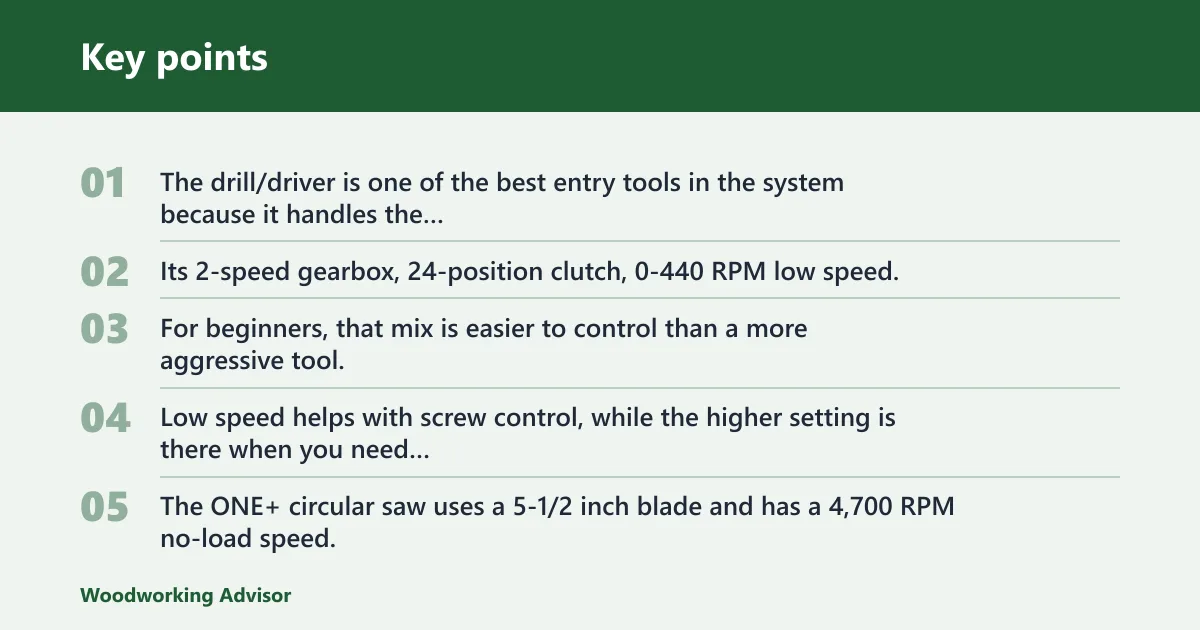
The drill/driver is one of the best entry tools in the system because it handles the most common workshop tasks: boring pilot holes, driving screws, and general assembly. Its 2-speed gearbox, 24-position clutch, 0-440 RPM low speed, and 0-1,600 RPM high speed give it enough range for everyday shop work.
For beginners, that mix is easier to control than a more aggressive tool. Low speed helps with screw control, while the higher setting is there when you need faster drilling in light materials.
Circular saw limits for sheet goods and thickness
The ONE+ circular saw uses a 5-1/2 inch blade and has a 4,700 RPM no-load speed. That is enough for common DIY cuts, but the blade size limits cut depth compared with larger saws. It is best viewed as a compact, light-duty cutter for plywood, trim boards, and thinner lumber rather than a tool for repeated deep cuts in thick stock.
For 3/4-inch sheet goods, it is a reasonable fit. For thick framing lumber or constant ripping, a larger saw or a stronger platform becomes the more practical choice.
Reciprocating saw use cases and limits
The reciprocating saw reaches up to 3,100 strokes per minute, has a 7/8 inch stroke length, and uses a tool-free blade clamp. Those numbers are fine for teardown, pruning, and rough cutting, but this is not the tool you choose for fine woodworking accuracy.
Use it for demolition, old fastener removal, and awkward cuts where speed matters more than finish quality. Do not expect it to replace a cleaner saw for joinery or cabinet work.
Where a better platform may be smarter
If your woodworking centers on repeated thick-stock cuts, long ripping sessions, or heavy fastening every day, a higher-tier platform makes more sense. Ryobi is the value play. It is not the platform you buy when cutting speed and runtime are the main priorities.
Pros and cons
Pros
- Shared 18V lithium-ion batteries and chargers across a broad tool ecosystem.
- Low entry cost for homeowners building a cordless toolkit.
- Starter kits can bundle core tools and batteries in one purchase.
- Several core tools are well suited to DIY woodworking and home repair.
- Beginner-friendly weight and control are common strengths of the line.
Cons
- Battery runtime can become the bottleneck on larger jobs.
- It is not the best choice for sustained pro-grade abuse.
- Kit contents vary, so you can misbuy if you assume one bundle fits all.
- Some tools are adequate rather than best-in-class for woodworking.
- Extra batteries may matter more than extra tools as workloads grow.
Who is Ryobi ONE+ for?
Ryobi ONE+ is for first-time cordless buyers, homeowners, and DIYers who want one battery platform for common shop and repair tasks. It is a sensible fit if you are assembling a home workshop around drilling, fastening, and occasional cutting, with enough tool breadth to grow over time.
It is not the best answer for buyers who expect repeat heavy cuts, all-day use, or pro-jobsite punishment. Those readers should look higher up the line before they buy into a battery family.
First-time cordless buyers
If you need one battery family to start with, ONE+ is easy to justify. The platform reduces the number of chargers, packs, and adapters you need to manage while giving you room to add tools later.
DIYers building a home workshop
For a garage or basement shop, the system fits well because it covers drilling, fastening, light cutting, and cleanup without forcing you into a single expensive purchase. You can begin with one or two tools and expand only when the work requires it.
Buyers who should look higher up the line
If your work includes long ripping sessions, framing-level loads, or repeated use that drains batteries quickly, a stronger platform can save time. That is especially true when runtime and cut speed matter more than upfront cost.
How batteries, runtime, and charging affect value
Battery capacity changes how useful the platform feels in real use. A 2.0Ah battery is lighter and easier to keep on hand, while 4.0Ah and 5.0Ah packs usually make more sense when you want longer runtime and fewer swaps. The tradeoff is weight and charging time.
2.0Ah vs 4.0Ah vs 5.0Ah
A 2.0Ah battery is often a good starting point for light tools, overhead work, and short sessions. A 4.0Ah battery is often the more balanced choice for all-around DIY use, as it can extend runtime without becoming too bulky. A 5.0Ah battery is often the better pick when you want more margin on saws or extended sessions.
Charge-time tradeoffs by battery size
Larger batteries generally take longer to recharge because there is more capacity to refill. If you work in bursts, one battery can be enough. If you work in longer blocks, a second battery can be more useful than a faster charger because it keeps the tool in service while the other pack charges.
When extra batteries matter more than extra tools
Suppose you are installing shelf supports and using a drill/driver for 30 minutes at a time. A second battery may do more for productivity than buying a new tool right away, because it prevents idle time and keeps the workflow moving.
Frequently asked questions
Is the Ryobi ONE+ 18V system worth buying into?
Yes, if you want a budget-friendly cordless system for home repair, light woodworking, and general DIY use. It is most compelling when you plan to keep adding tools over time. It is less compelling if you expect heavy-cutting output or pro-level runtime from the start.
How many tools work with Ryobi ONE+ batteries?
Ryobi describes the ecosystem as compatible with over 150 tools. That breadth is the platform’s biggest selling point because it lets one battery family cover drills, saws, lights, and many other cordless jobs without multiplying chargers and packs.
Is Ryobi ONE+ good enough for home workshop use?
Yes. For a home workshop, ONE+ covers the core tasks most DIYers actually do: drilling, fastening, light cutting, and setup work. The main limit is sustained demand. If your shop work becomes frequent and heavy, you may outgrow the platform.
What comes in a Ryobi ONE+ combo kit?
It varies by bundle. A documented six-piece set can include a drill/driver, impact driver, circular saw, reciprocating saw, multi-tool, and work light, plus two 18V lithium-ion batteries and a 3-year warranty. Always verify the exact kit contents before buying.
How long do Ryobi ONE+ batteries last on a charge?
Runtime depends on battery size, tool load, and the specific tool. A 2.0Ah battery is best for short tasks, while 4.0Ah and 5.0Ah batteries usually extend usable time and reduce swaps. Bigger packs last longer, but they also add weight and charge time.
Do Ryobi ONE+ tools use the same charger and batteries?
Generally, yes. That shared 18V battery system is the platform’s core advantage. One charger and one battery family can serve many tools, though you should still check the exact kit contents and charger type, since bundles differ.
Sponsored / affiliate links. As an Amazon Associate I earn from qualifying purchases. I may earn additional commission from eligible campaigns.